Q&A
1.HOW DO I RESET MY CAMERA?
To reset your camera, press and hold the front button for 20 seconds.
2.WHY CAN'T I CONNECT MY CAMERA TO THE DRIFT LIFE APP?
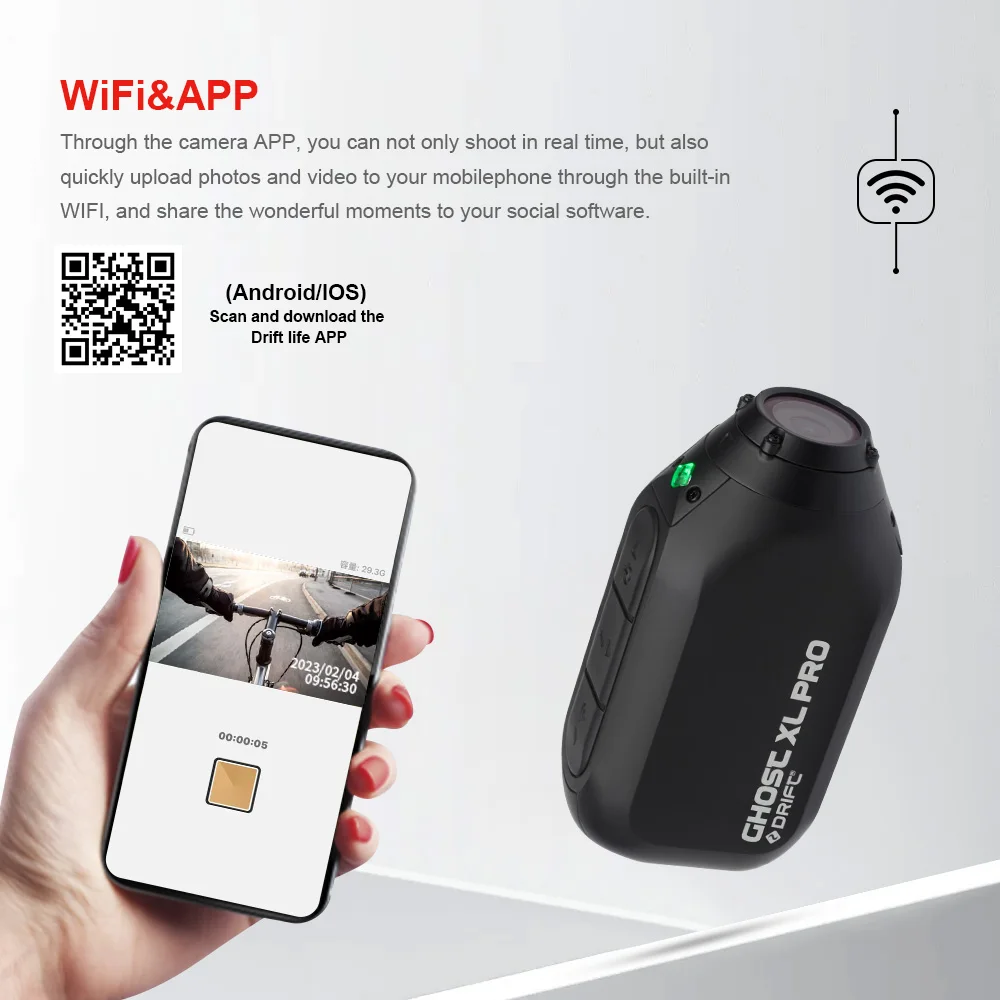
If you’ve checked that your Ghost XL Pro Wi-Fi network is turned on, it’s likely that your mobile phones permissions settings are preventing the app from connecting to your camera. To solve this, uninstall Drift Life, and re-install making sure to accept the permissions requests that pop up the first time you launch it.
3.WHY DID MY CAMERA STOP RECORDING?
If your camera has stopped recording without any user input this could be caused by an issue with your memory card. Make sure that you’re using a good quality card, with a fast write speed (Class 10 and above, see below), regularly formatted in your cameras’ settings menu, with clean contacts in good condition. It’s important to remember that touching the gold contacts on your memory card can damage them and cause recording issues, so take care when handling your memory card.
4.WHICH MEMORY CARD SHOULD I BUY?
You’ll need a class 10/UHS-1 MicroSD card, up to 256GB in capacity. Most brands will work fine, but we particularly recommend Sandisk memory cards, as we’ve found them to be very reliable.
5.HOW WATERPROOF IS MY CAMERA?
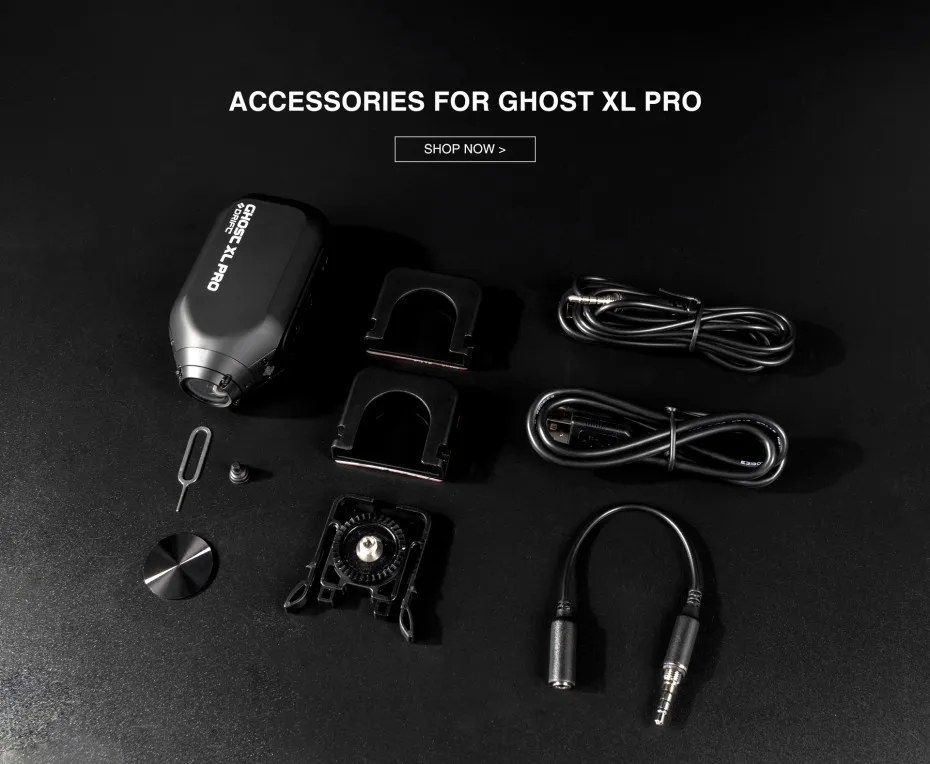
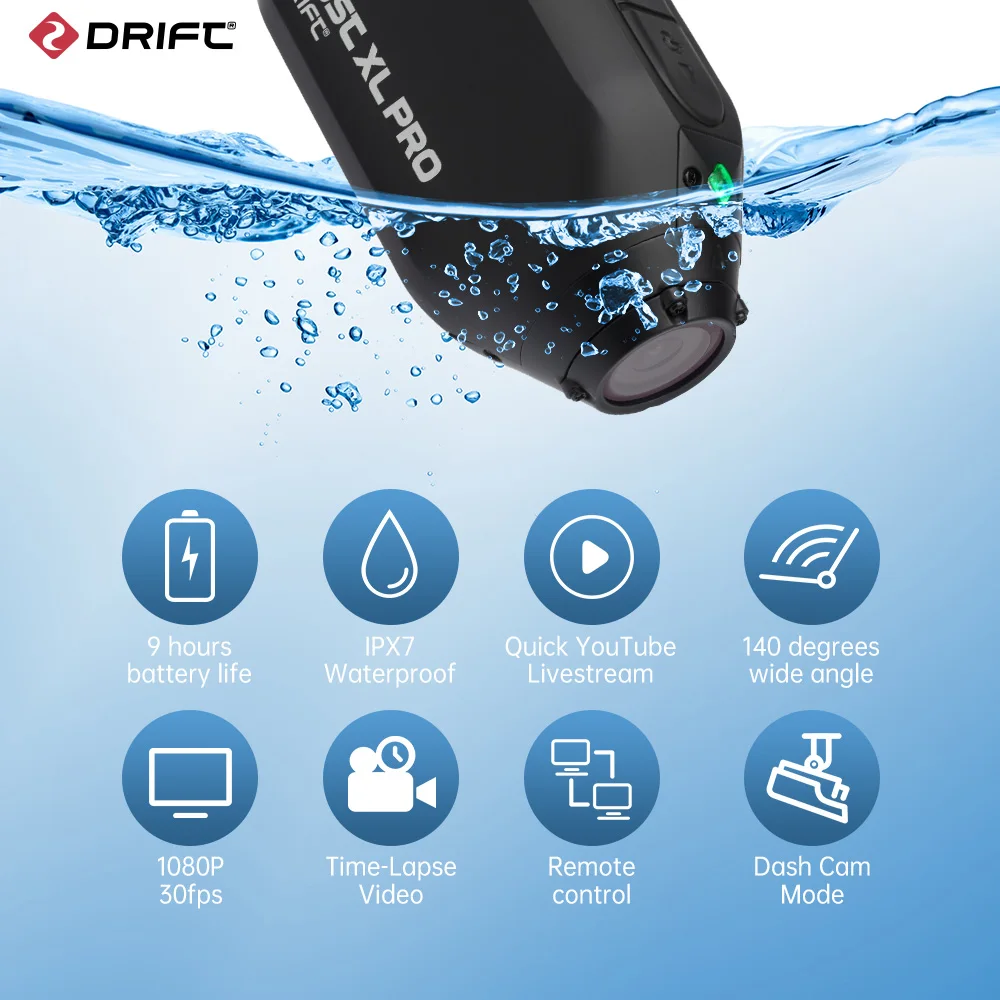
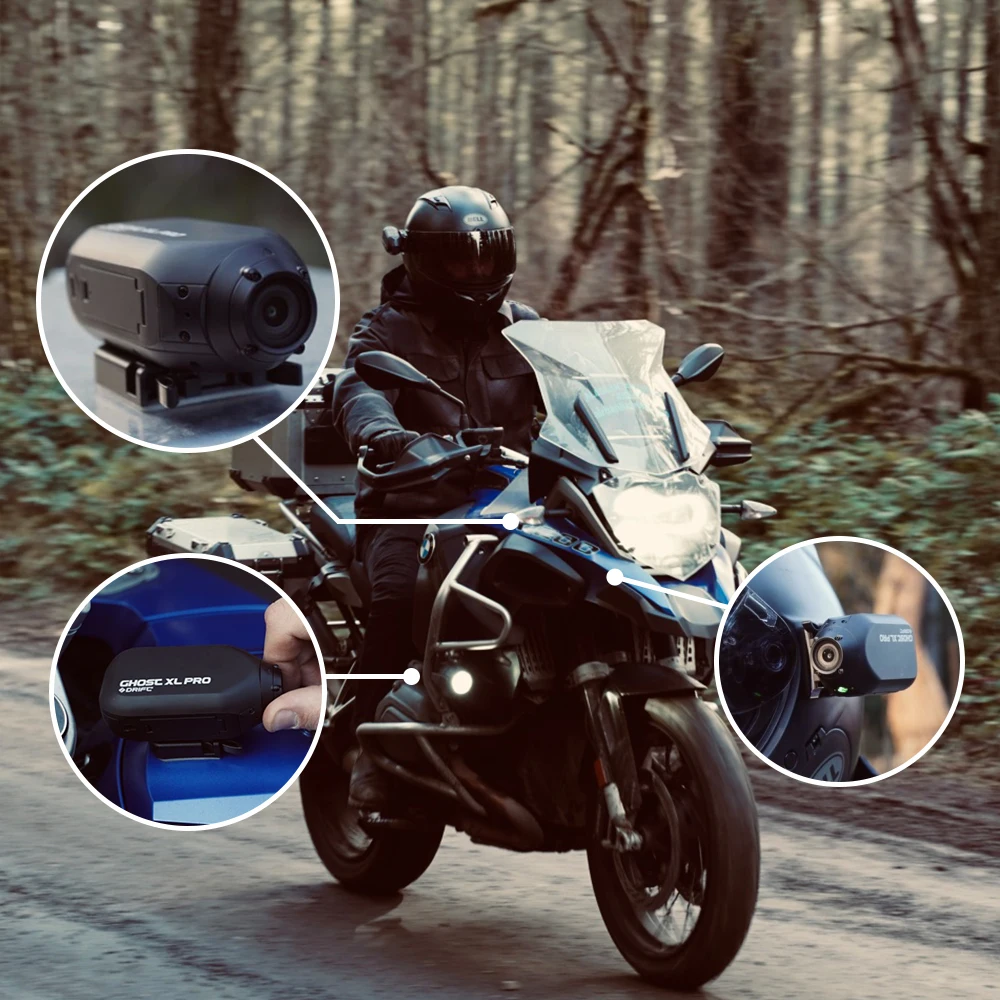
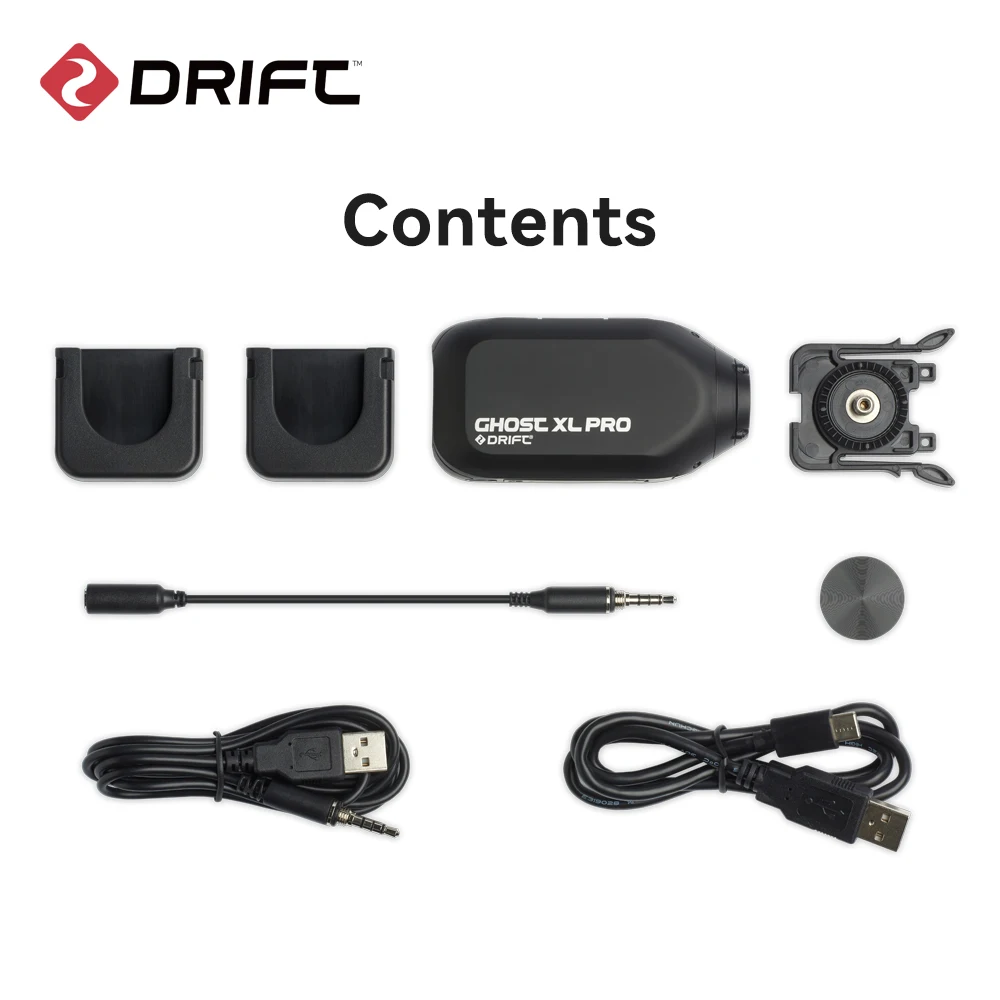
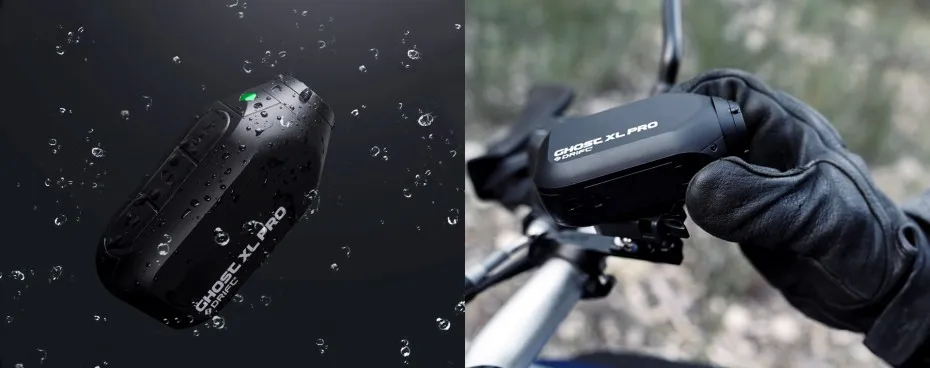
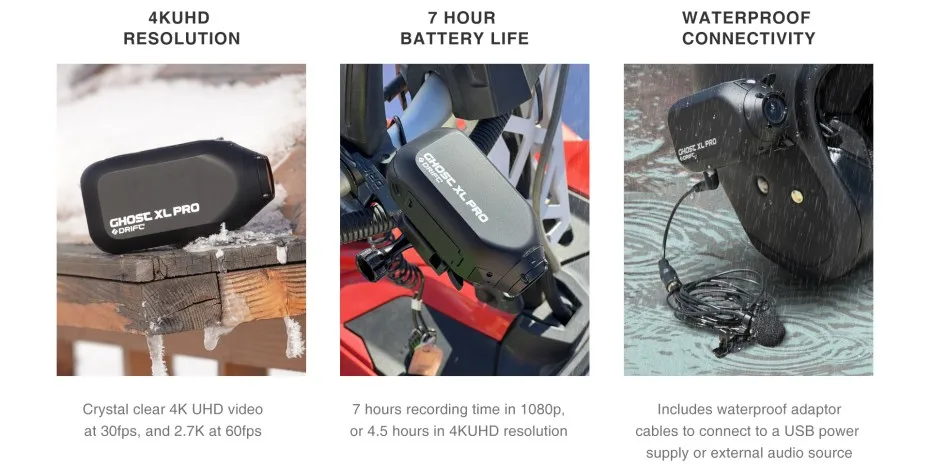
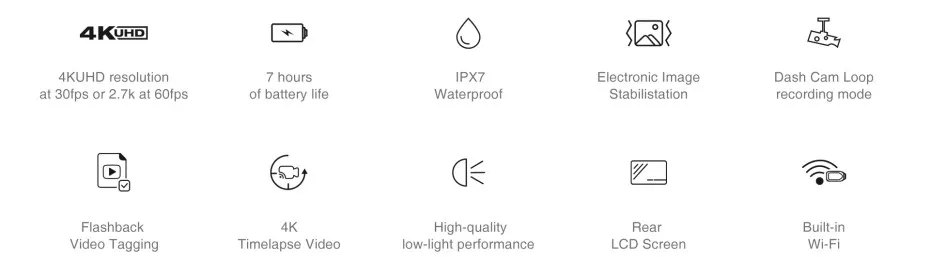
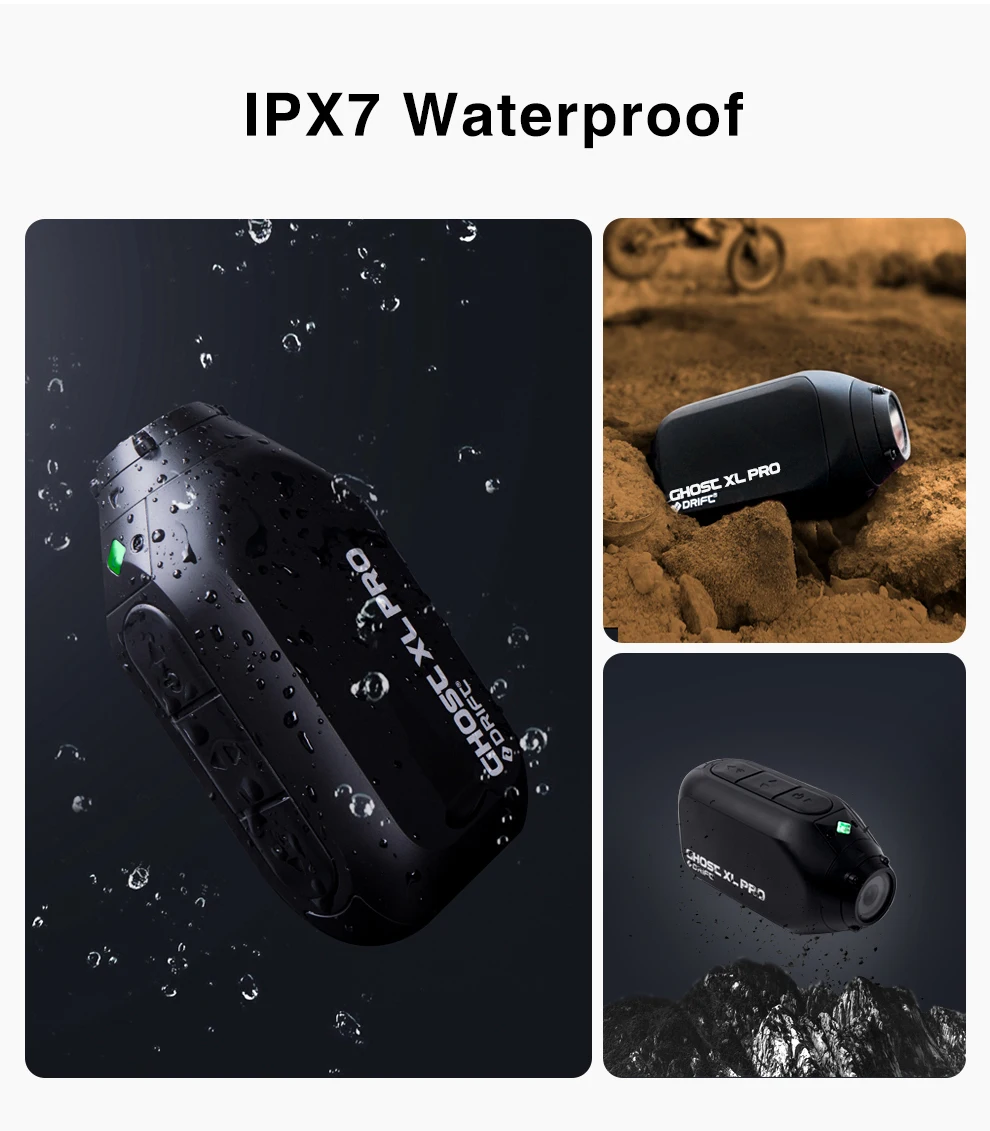
Ghost XL Pro is fully waterproof, and can be submersed up to 1m in depth. The camera is weatherproof with the included external power or microphone adapter installed, and can be used in the rain.
6.HOW DO I CHARGE MY GHOST XL PRO?
The Ghost XL Pro has a very high capacity 3000mAH battery built in, so we’d recommend a mains-USB adapter with an output of around 2A. This type of adaptor will fully charge the Ghost XL Pro in around 3 hours. Please note that laptop USB ports, USB hubs or power banks can have a lower output, so will take much longer to charge the device. .
7.HOW DO I UPGRADE MY FIRMWARE?
The Ghost XL Pro has a very high capacity 3000mAH battery built in, so we’d recommend a mains-USB adapter with an output of around 2A. This type of adaptor will fully charge the Ghost XL Pro in around 3 hours. Please note that laptop USB ports, USB hubs or power banks can have a lower output, so will take much longer to charge the device. .
8.WHY DOES MY CAMERA CREATE TWO FILES FOR EVERY PHOTO OR VIDEO?
You may have noticed that the Ghost XL Pro generates a ‘.THM' file for each photo or video. These ‘THM files are much smaller files that the Drift Life app can easily open, and play back. If you choose not to use the app, and would rather not have these files, you can disable them by turning off the ‘Thumbnails' option in your Ghost XL Pro settings menu.
9.HOW DO I TURN ON DASH CAM MODE?
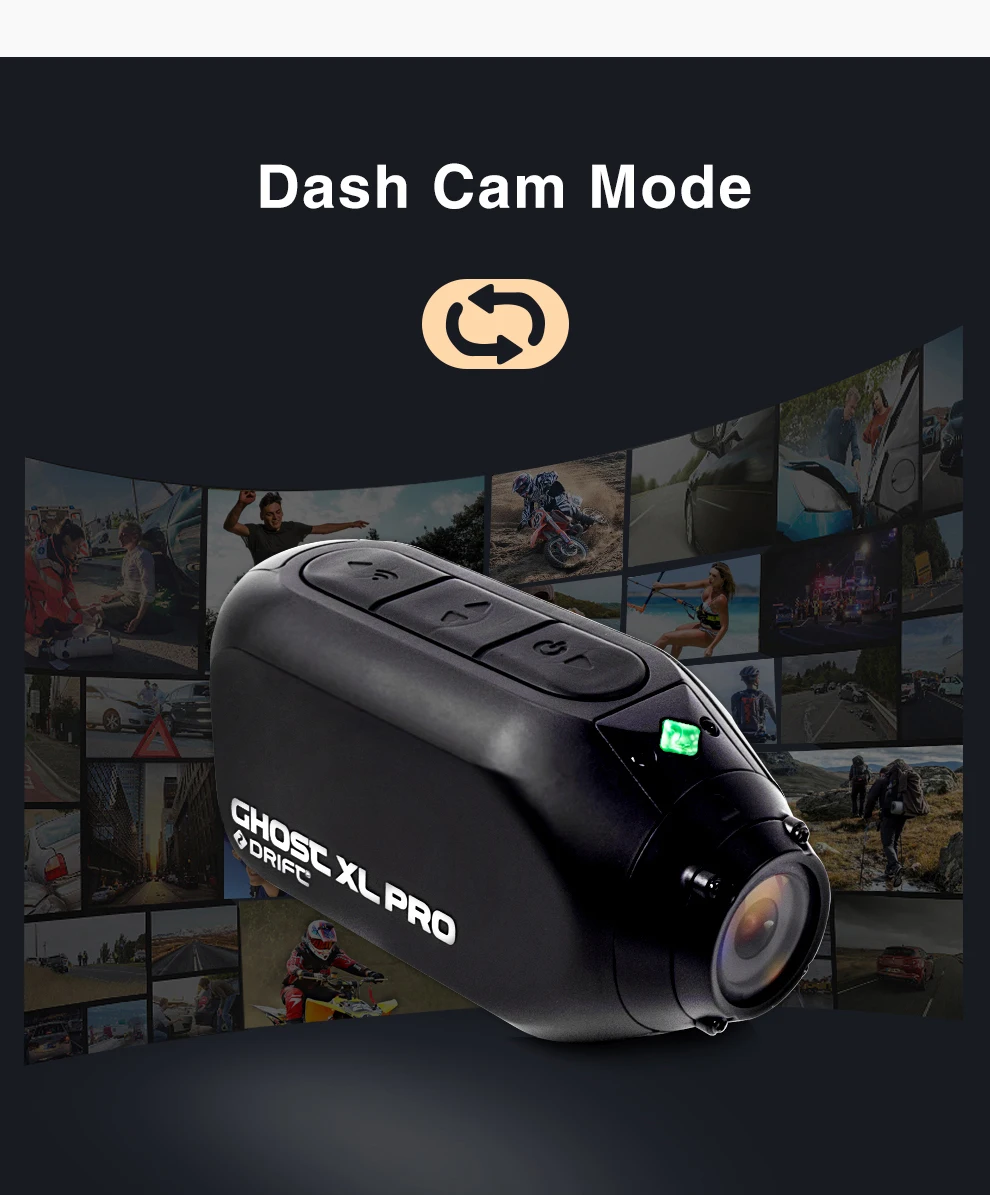
When the Ghost XL Pro is in video mode, simply press and hold the middle button for 2 seconds to toggle Dash Cam mode on or off. You can also find dash Cam Mode in the settings menu, but this shortcut comes in handy if you want to charge the Ghost XL battery without triggering another Dash Cam recording.
10.CAN I USE CLONE MODE WITH ANY OTHER DRIFT CAMERAS?
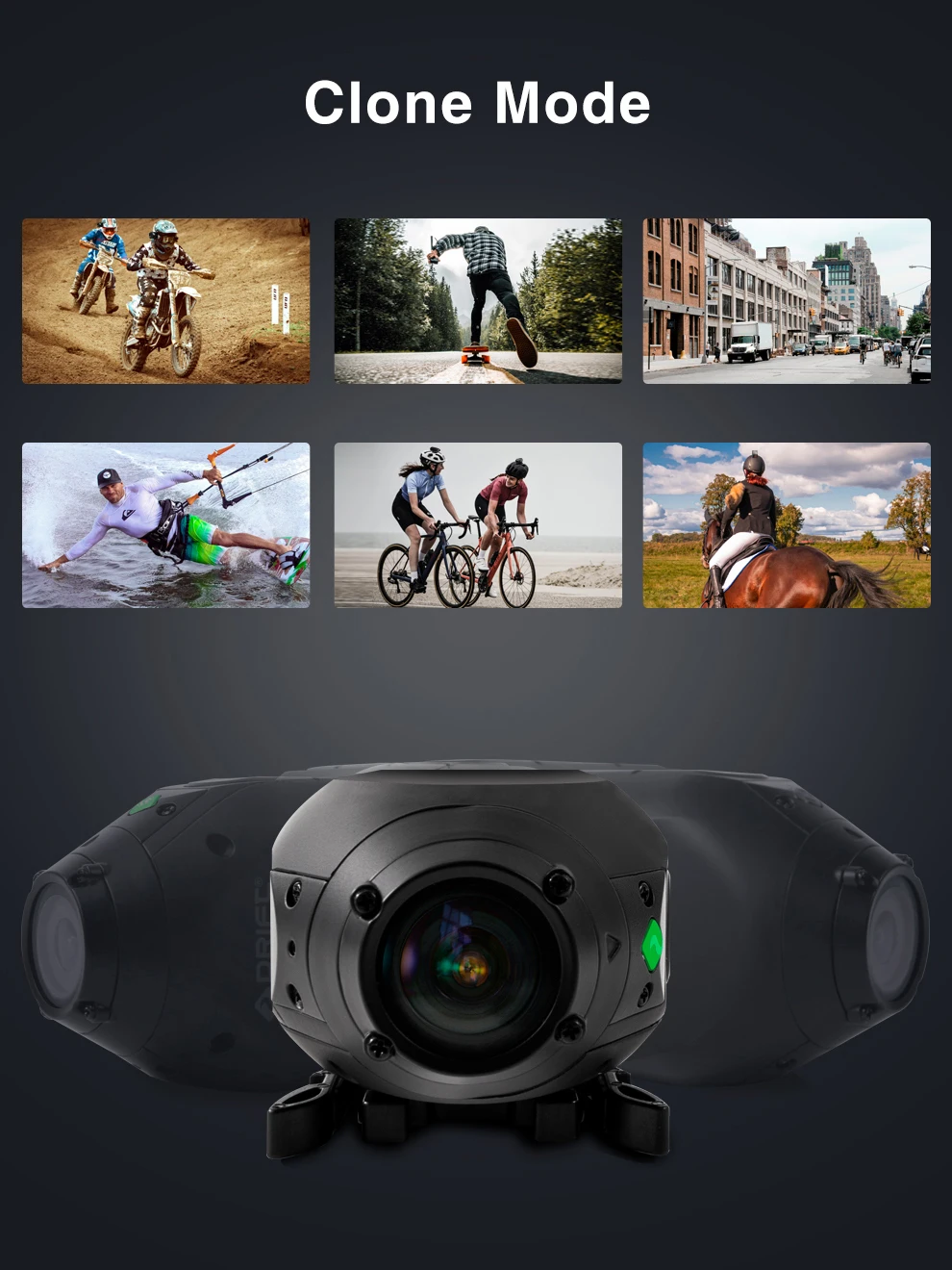
Yes – Ghost XL Pro, Ghost XL, Ghost X and Ghost 4K cameras can all be linked together in a single clone mode network. Be sure to upgrade the camera firmware on each unit to ensure that they are all compatible in clone mode.
11.WHAT IS MY WIFI PASSWORD?
The default WiFi password for your Ghost XL Pro is 1234567890.
12.When I got the product, I found that it couldn't be charged. What's the matter?
Please check whether the charging cable of the product is in good contact. If the screen is on, but later it is found that the battery still cannot be charged after charging for more than an hour. Please check if the mode is correct. If it is in the driving record mode, it cannot be charged. Please adjust to other modes.