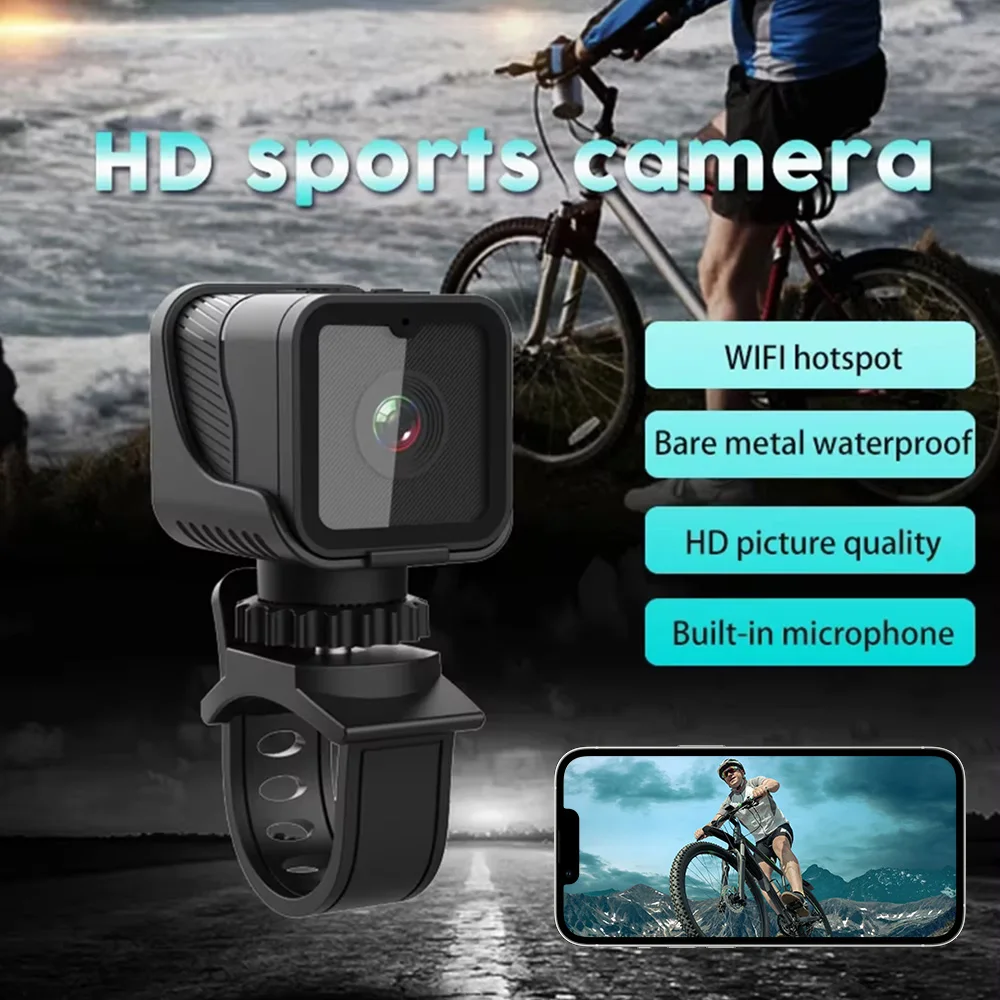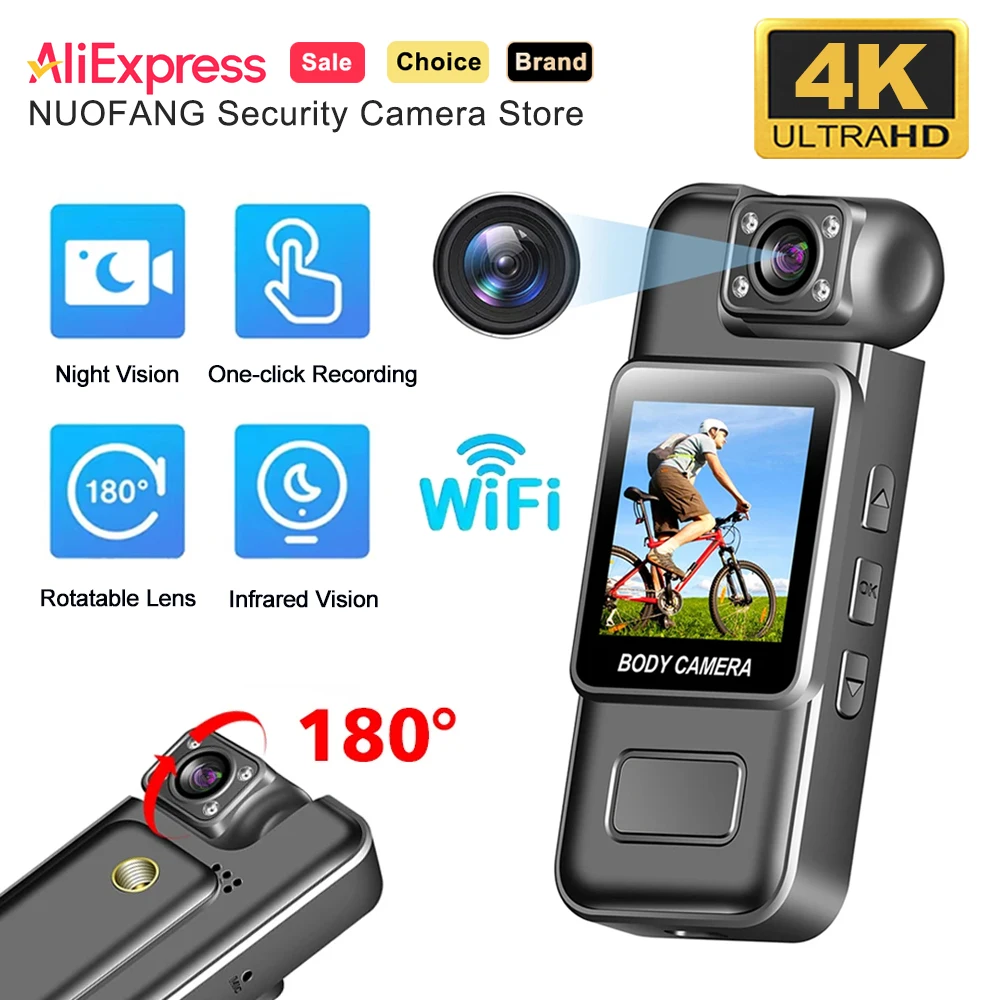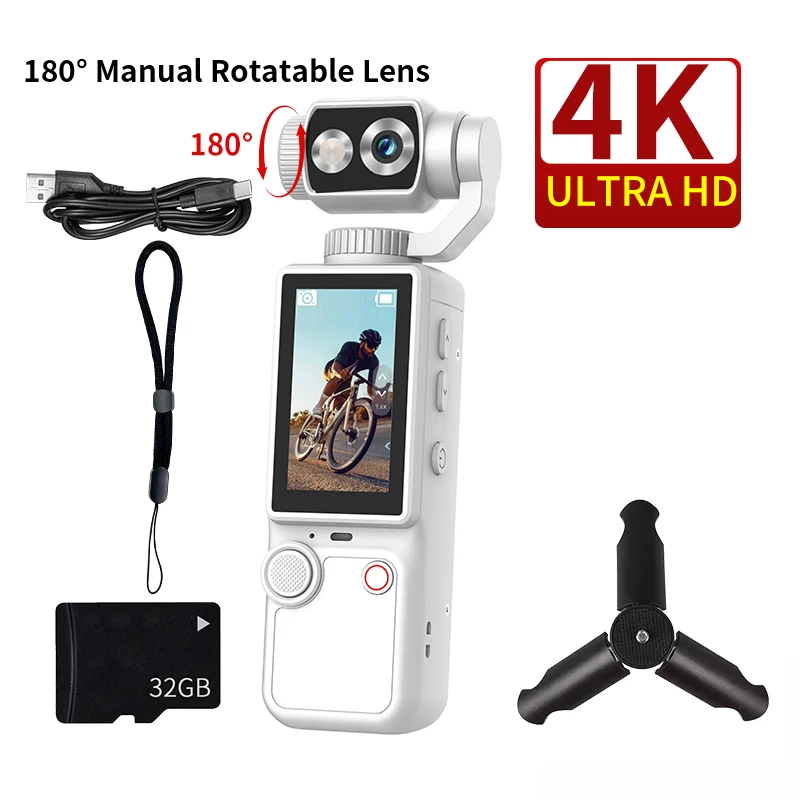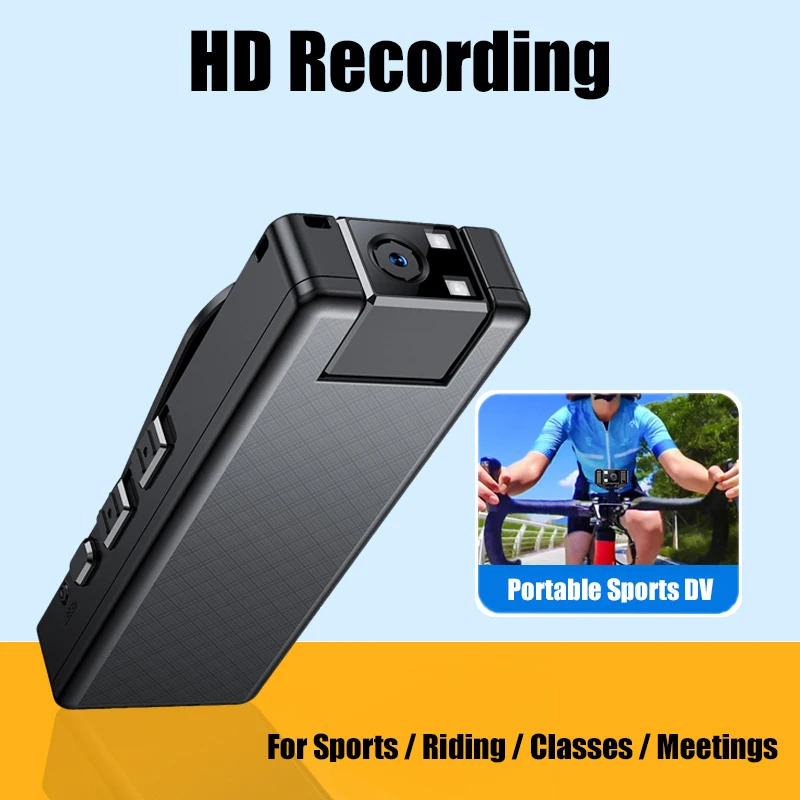

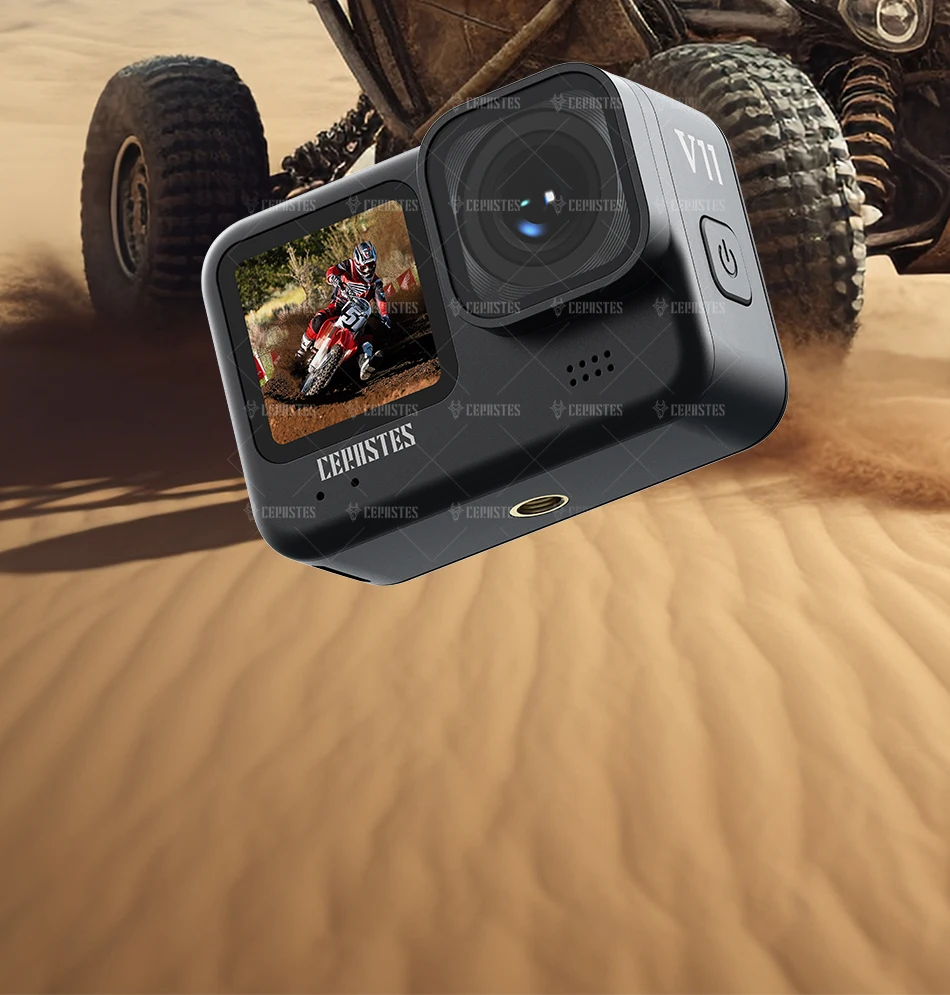
 Product Parameter:
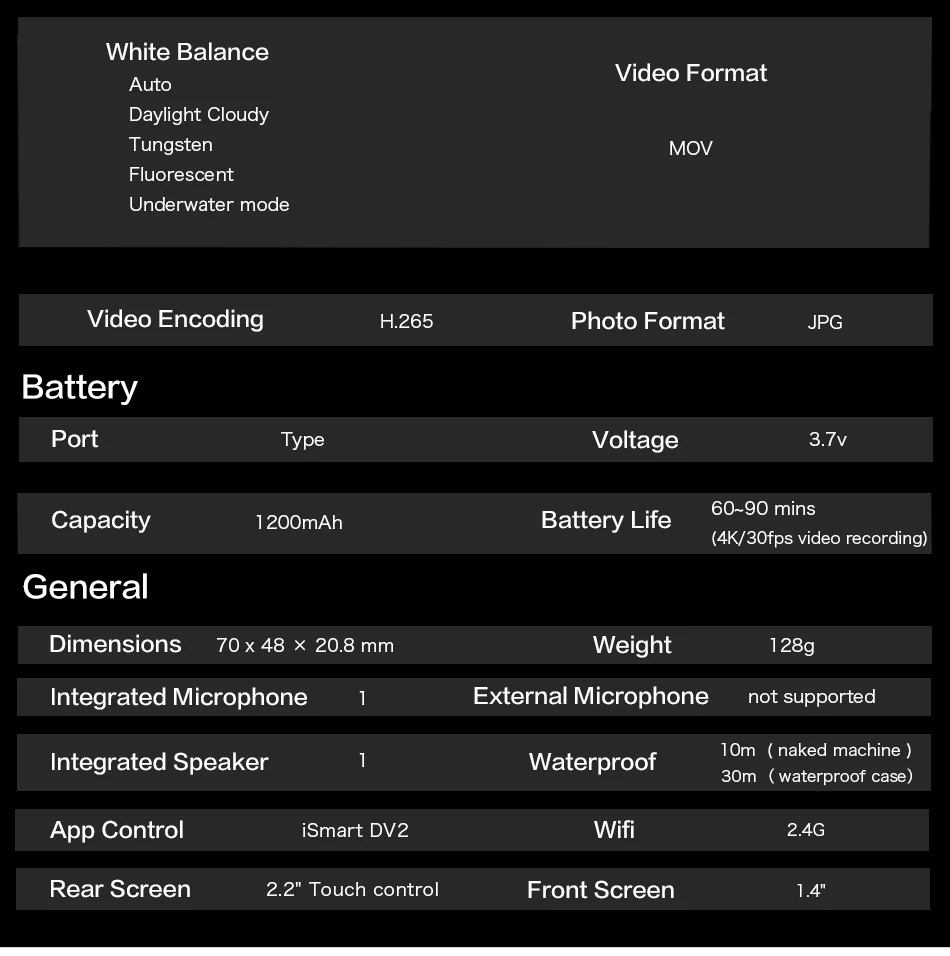
processor : Ling yang
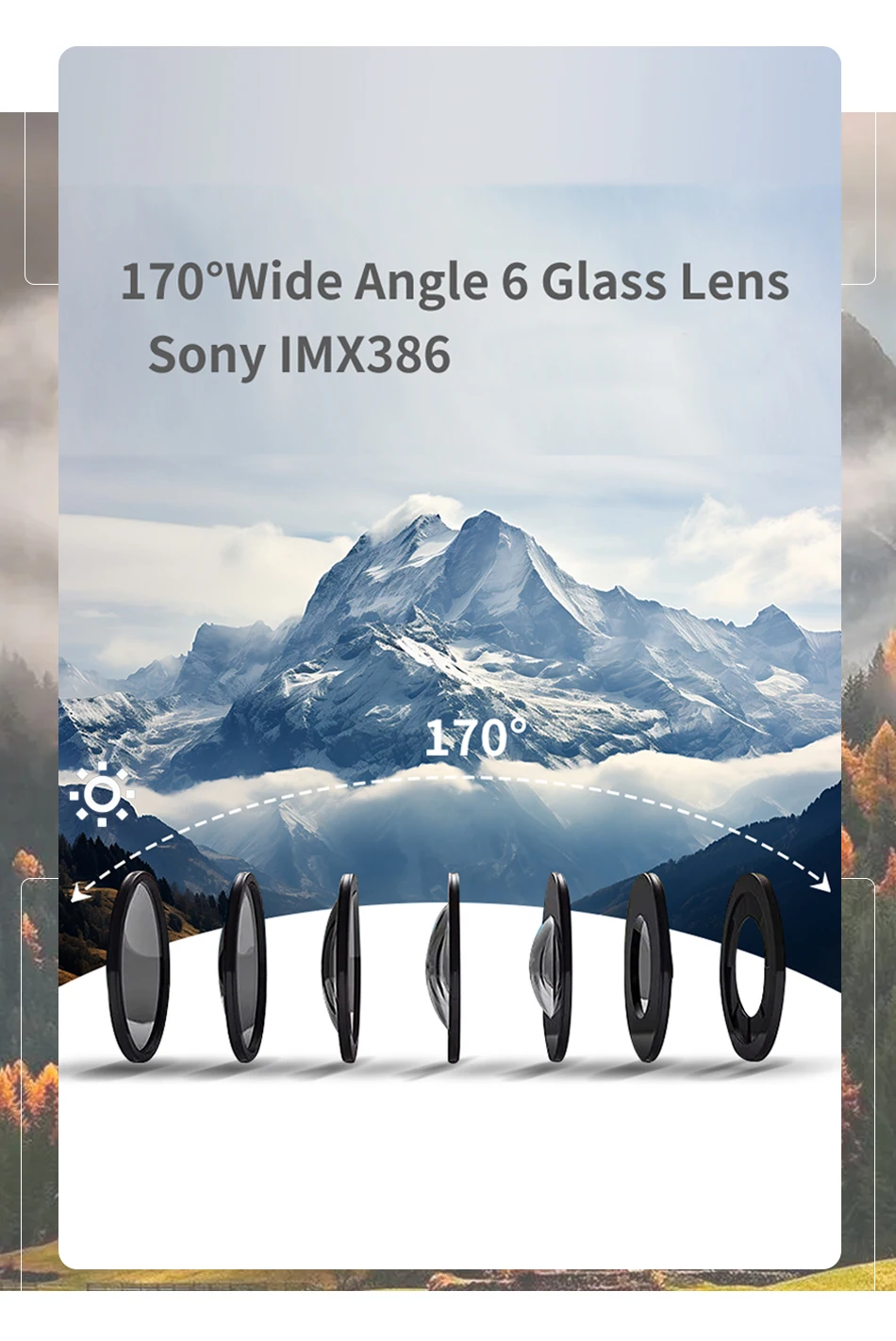
sensor: Sony
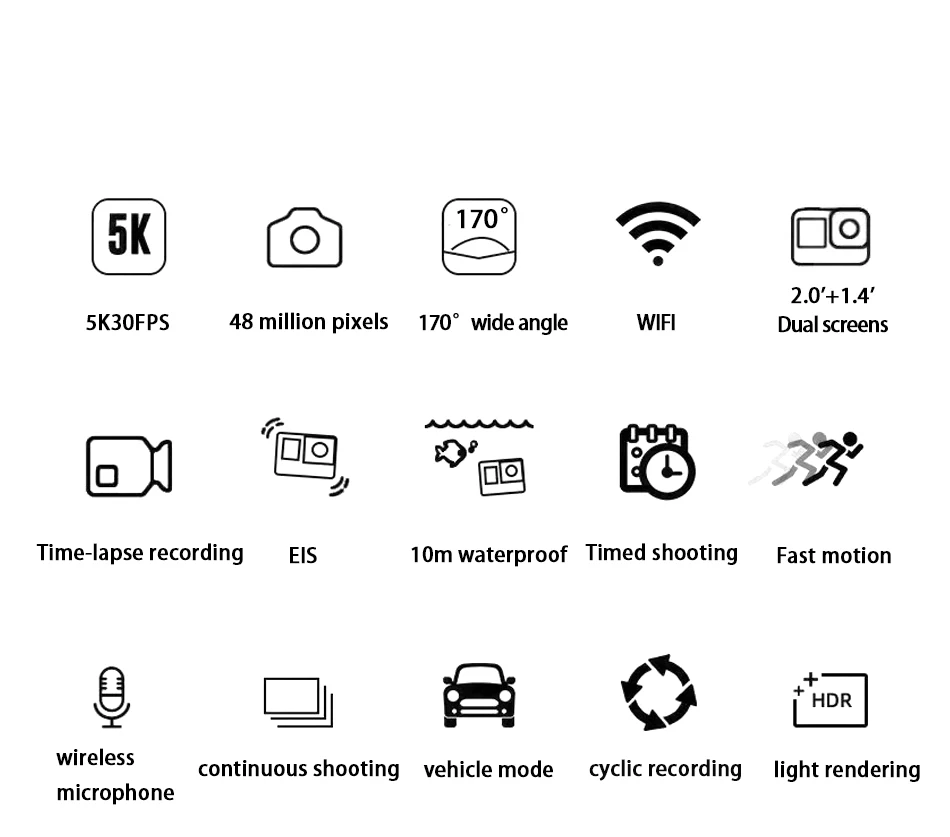
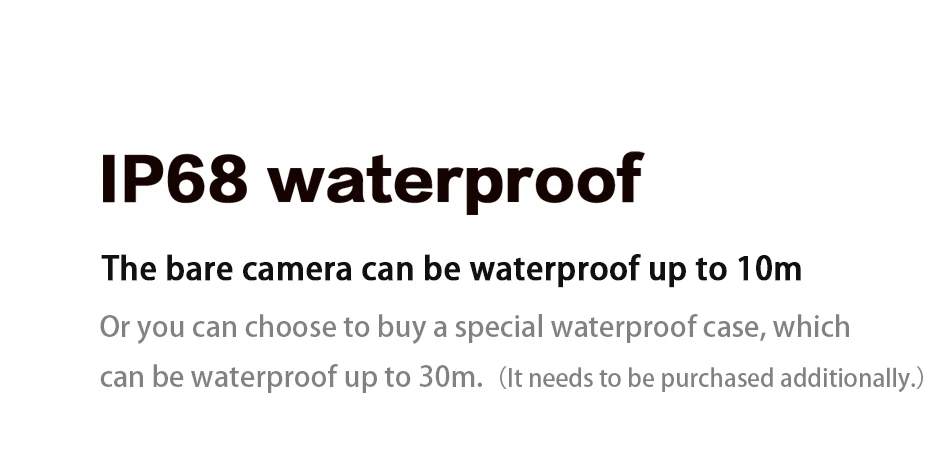
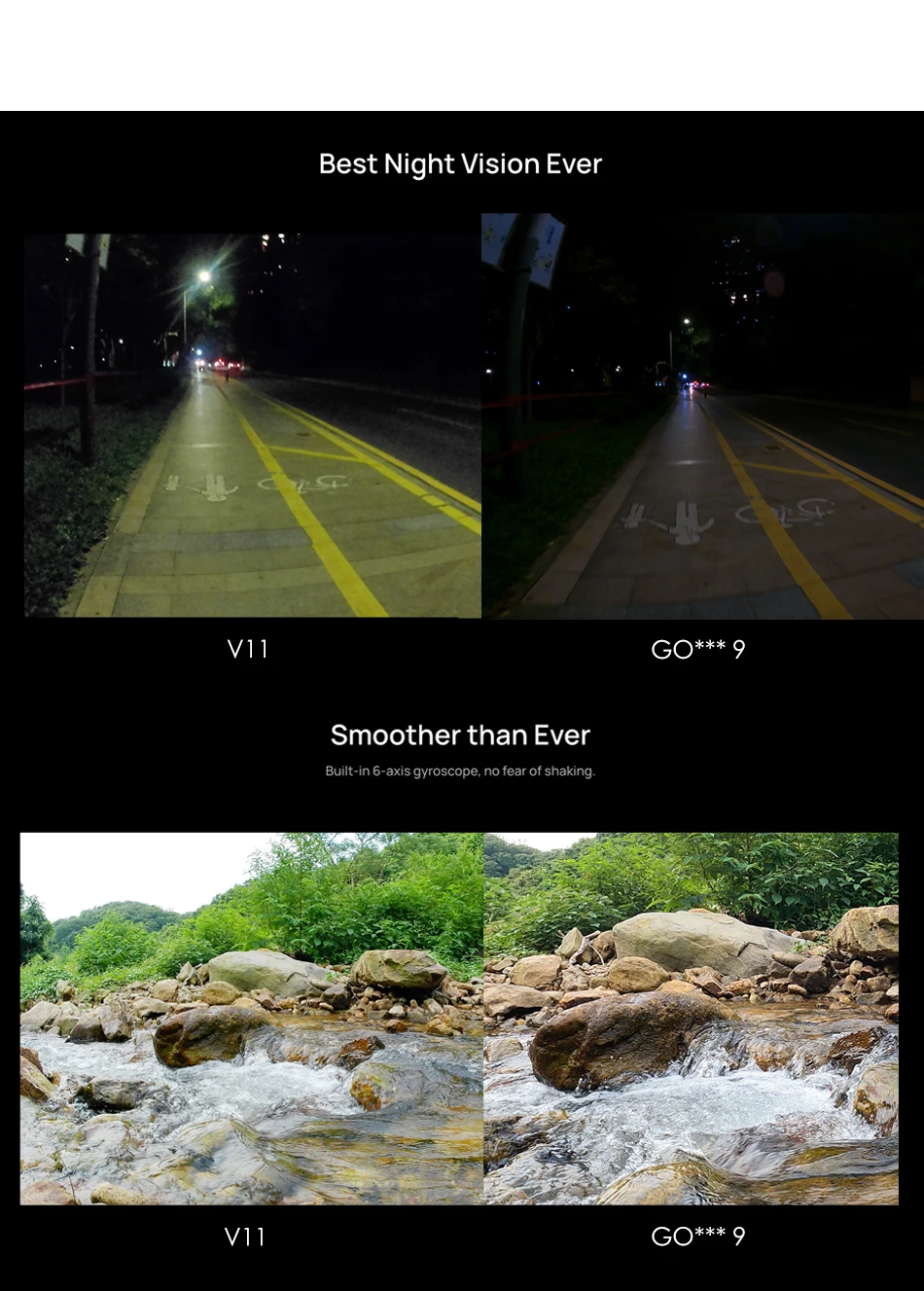
Waterproof grade : IP68
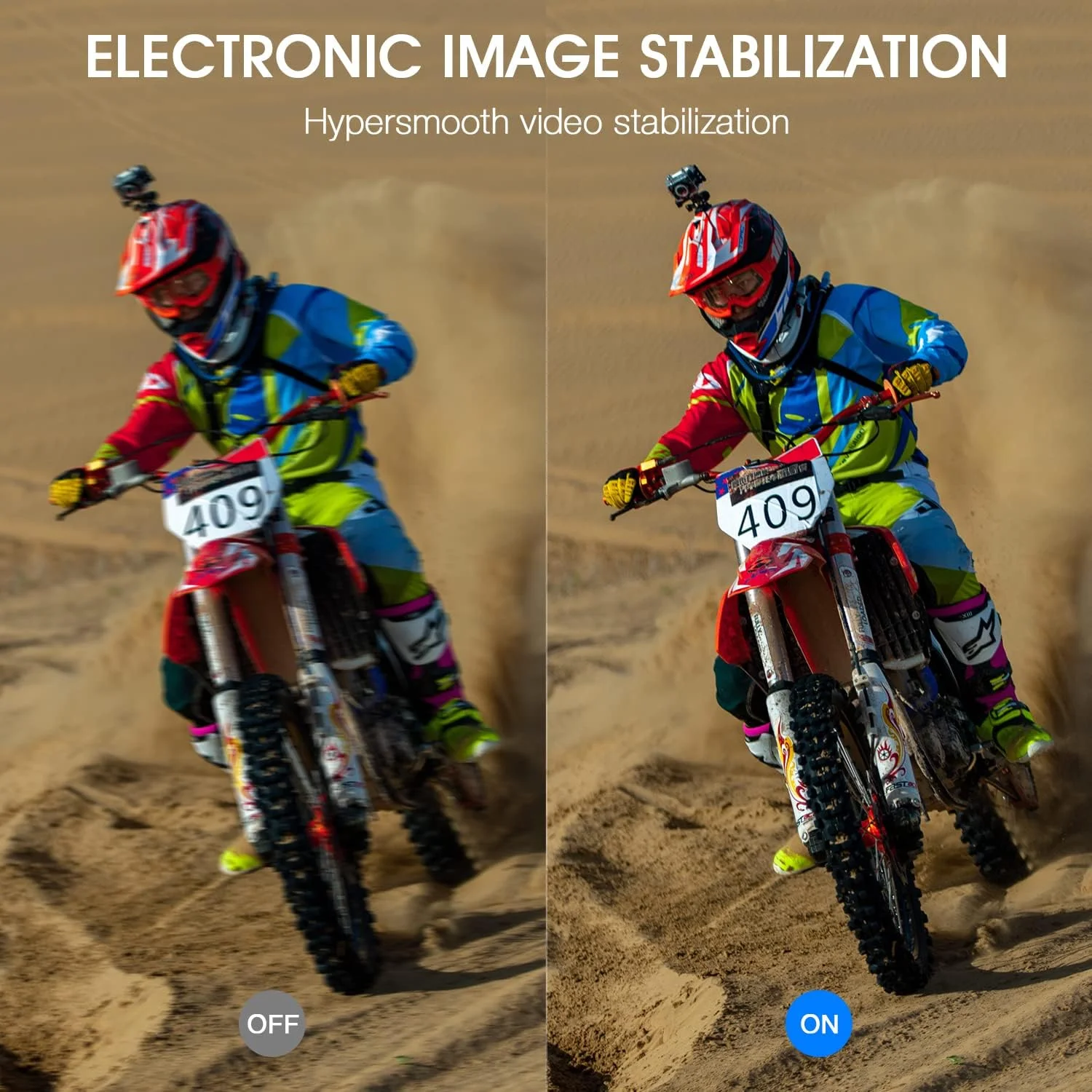
Anti-shake : Electronic image image stabilization (EIS)
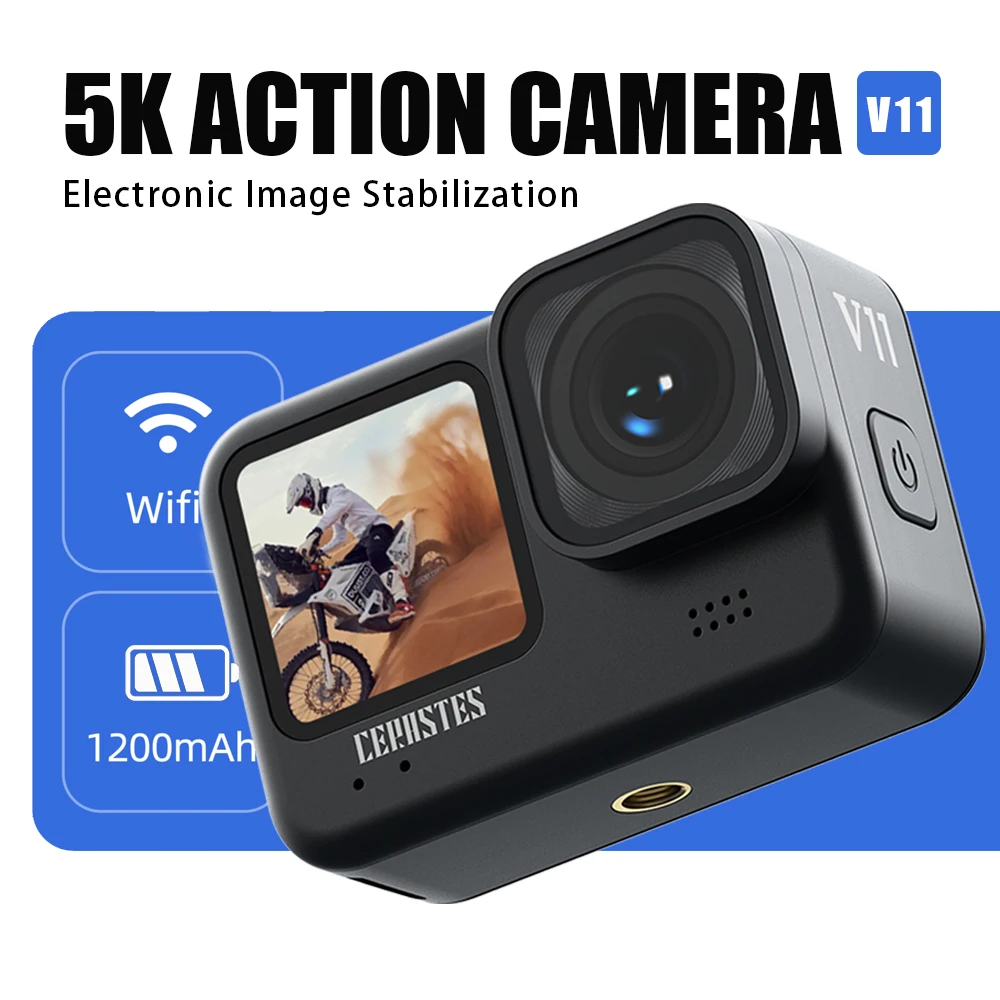
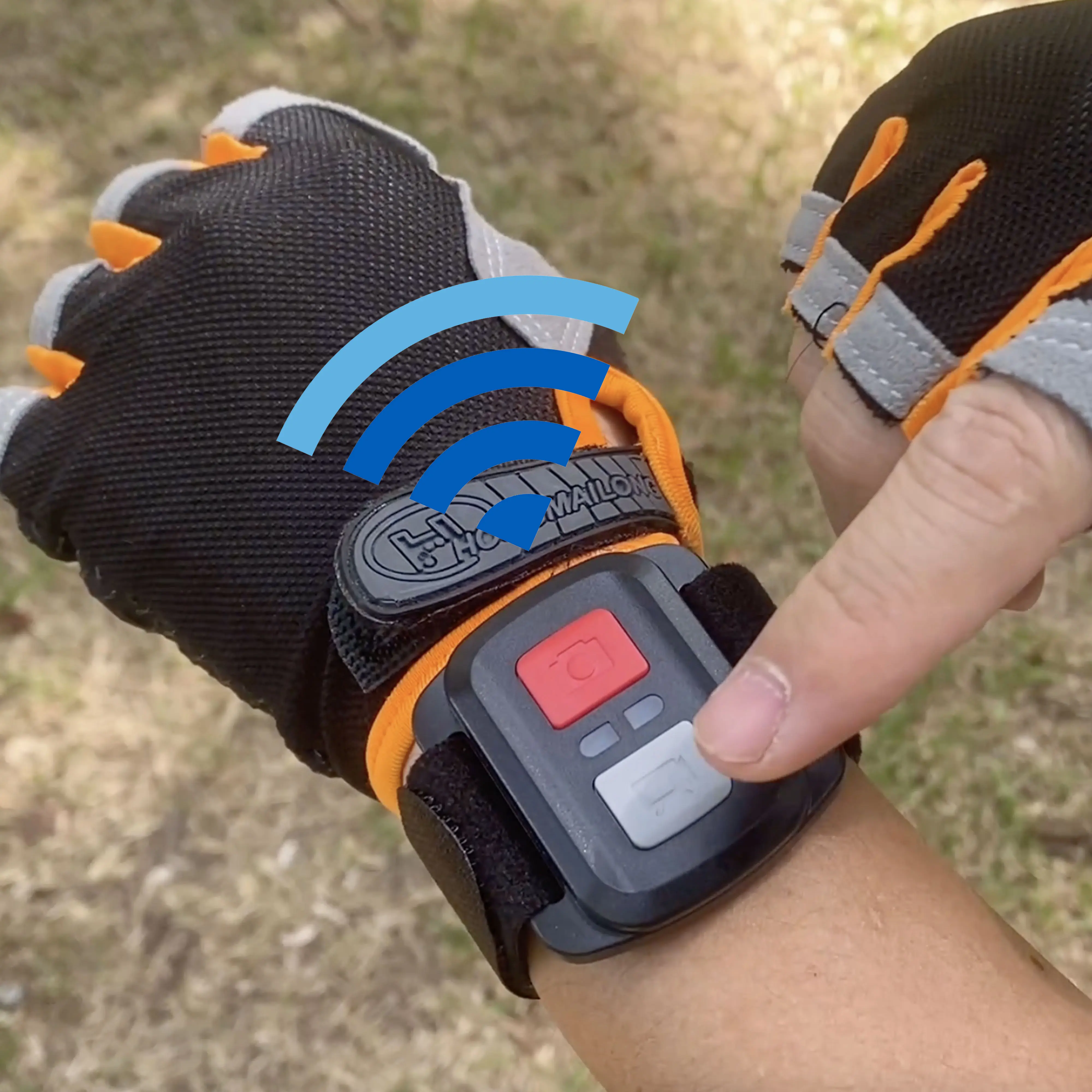
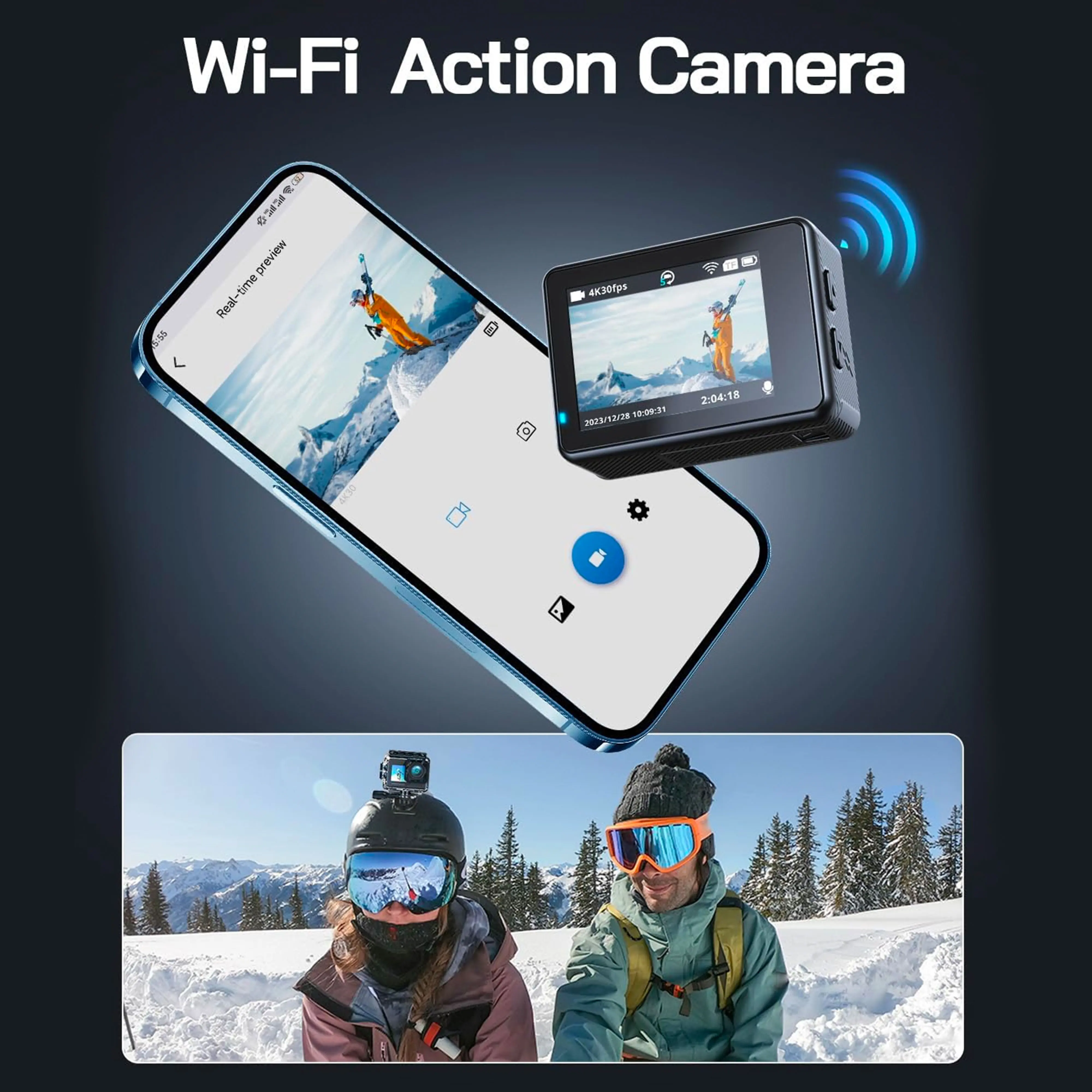
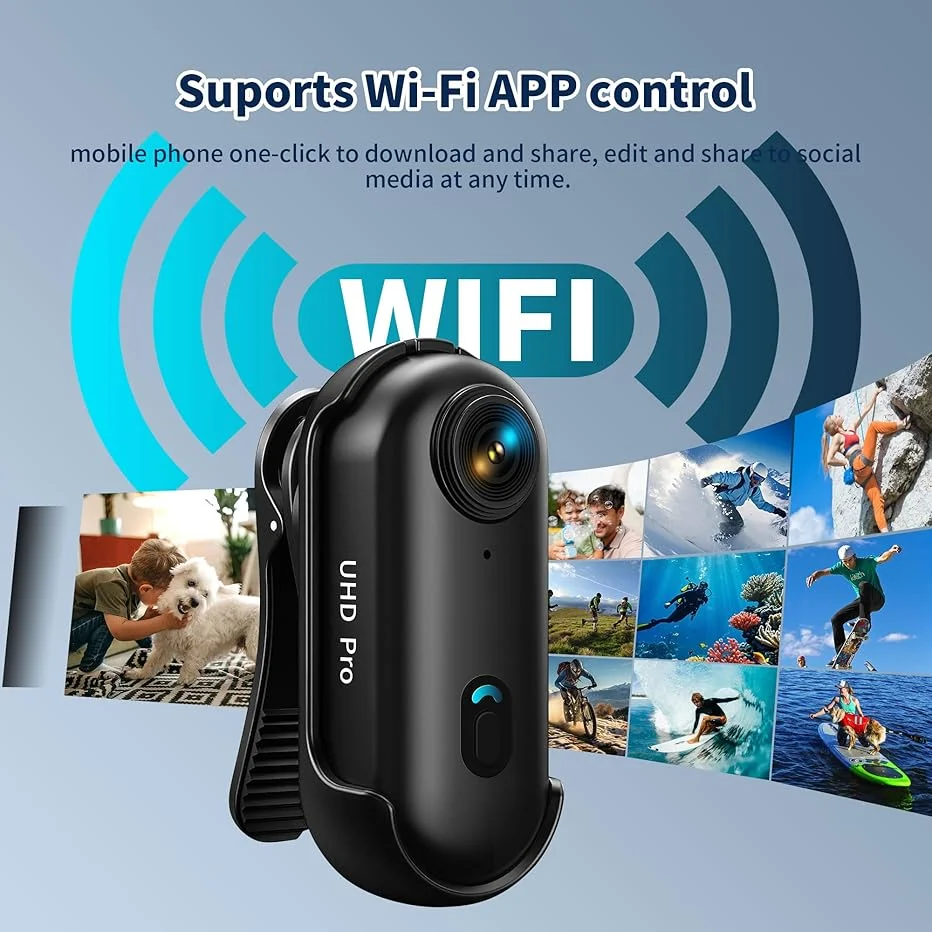
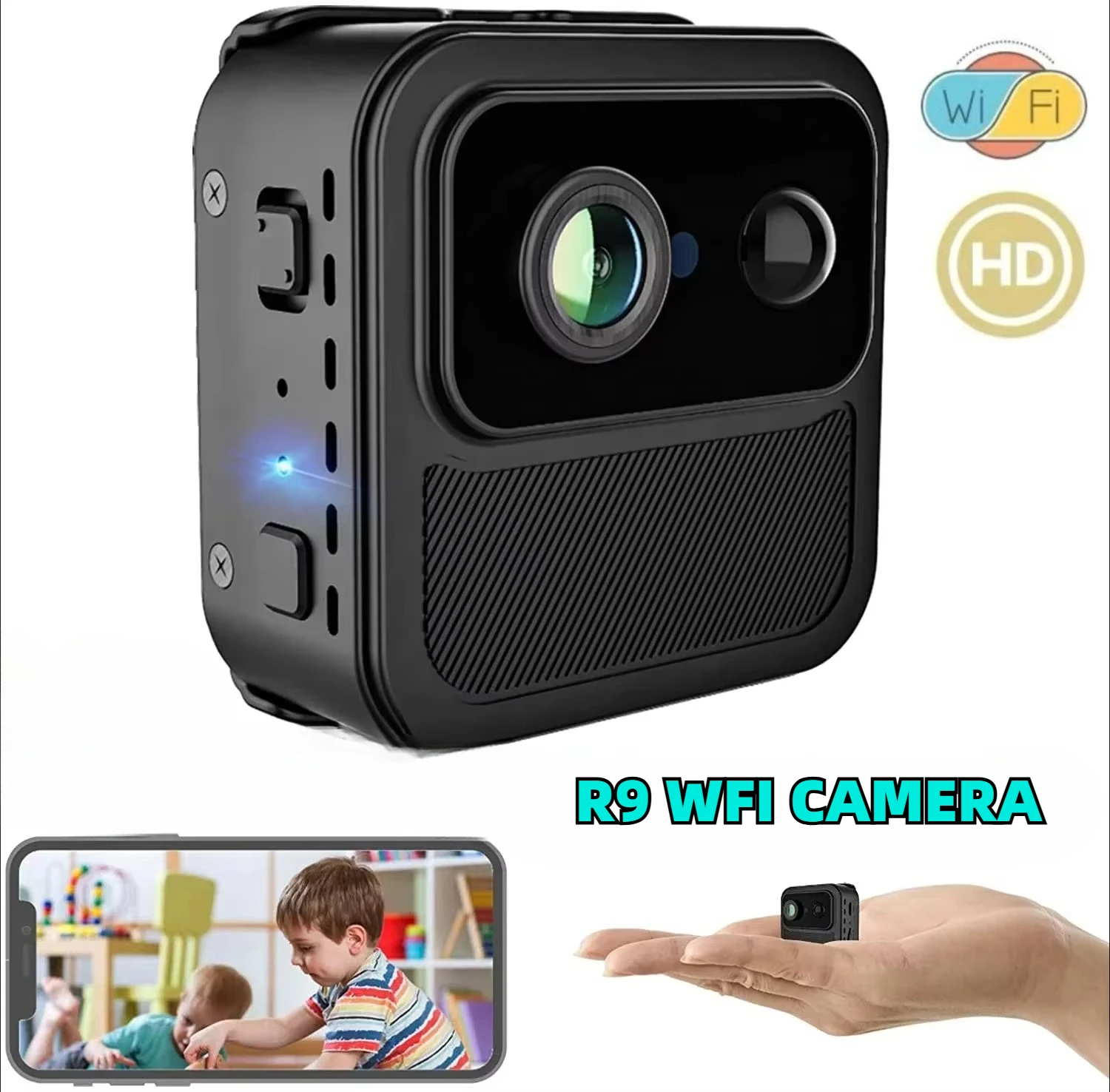
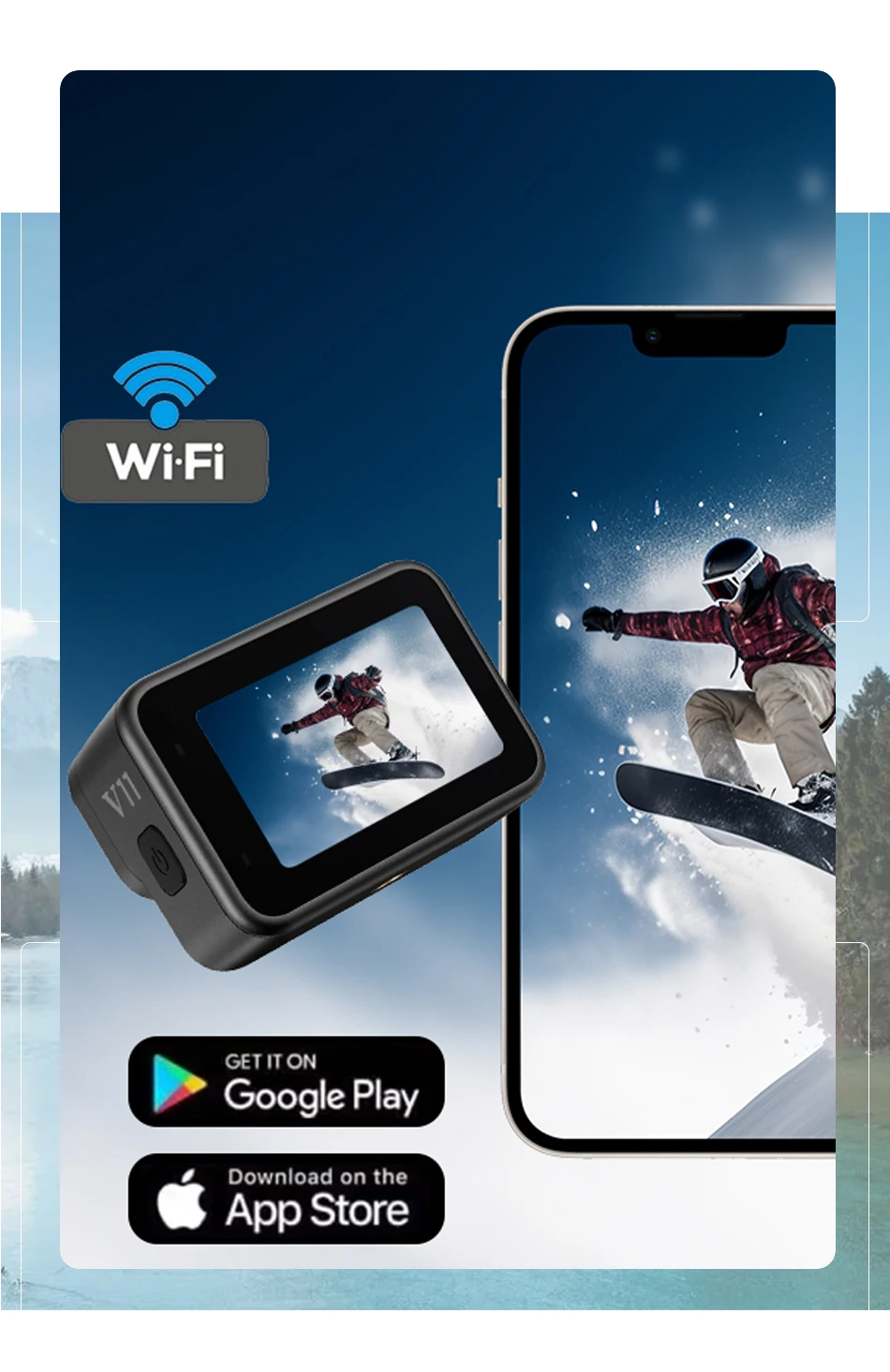
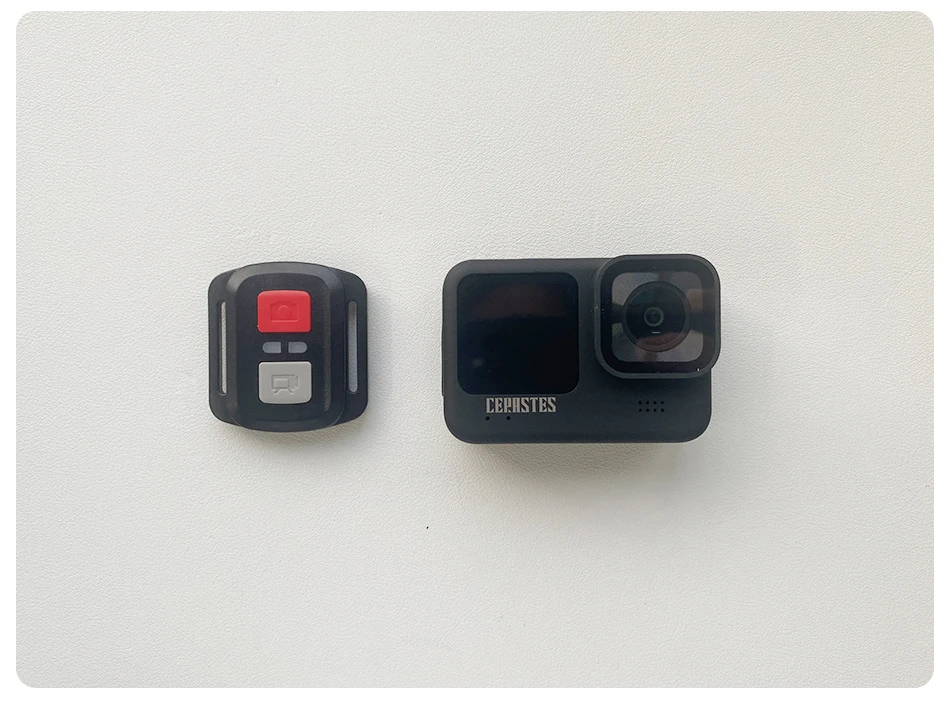
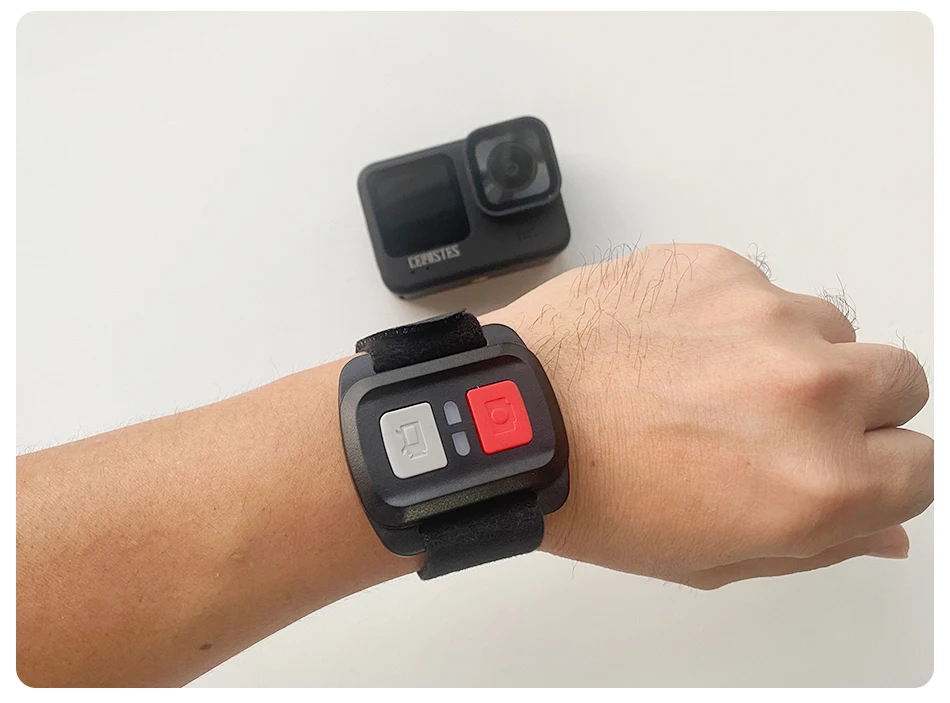
WIFI : Support (mobile phone APP control). (Remote control)
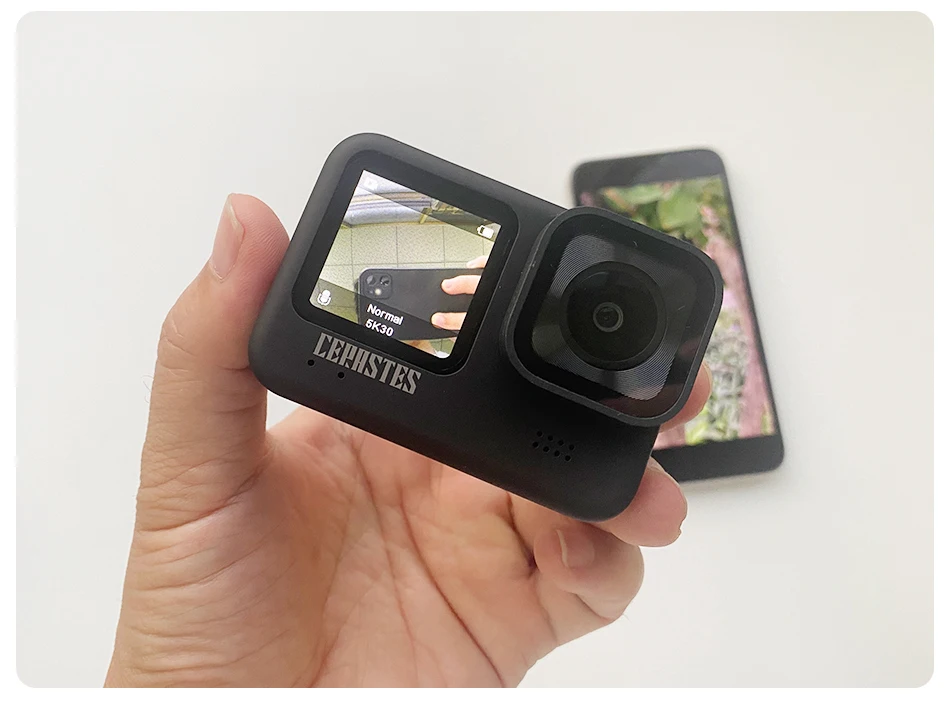
display screen : Home screen: 2.2 (high match) 2.0 inch IPS touch HD screen + 1 secondary screen 1.4 inch IPS HD screen
batteries : 1200 mAh polymer lithium battery
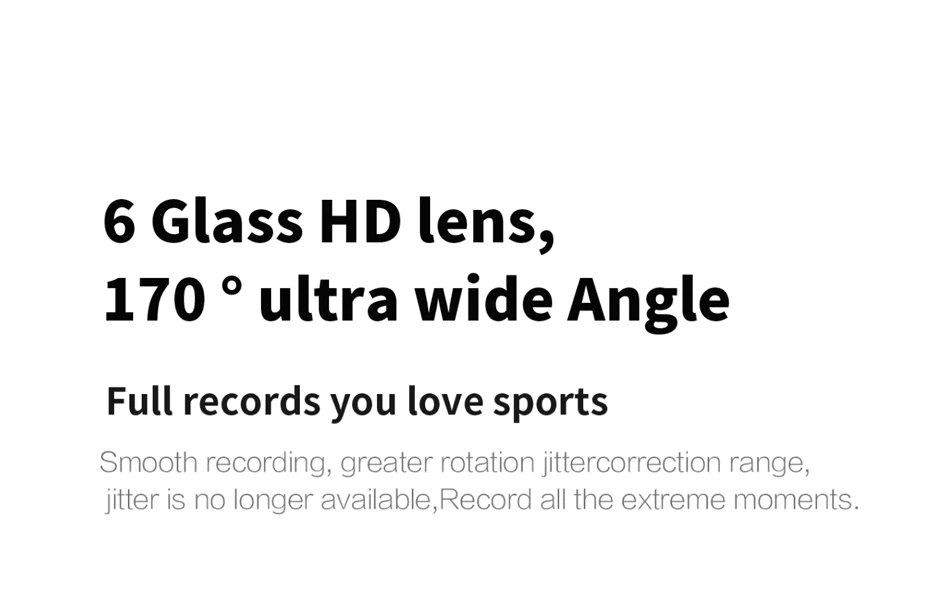
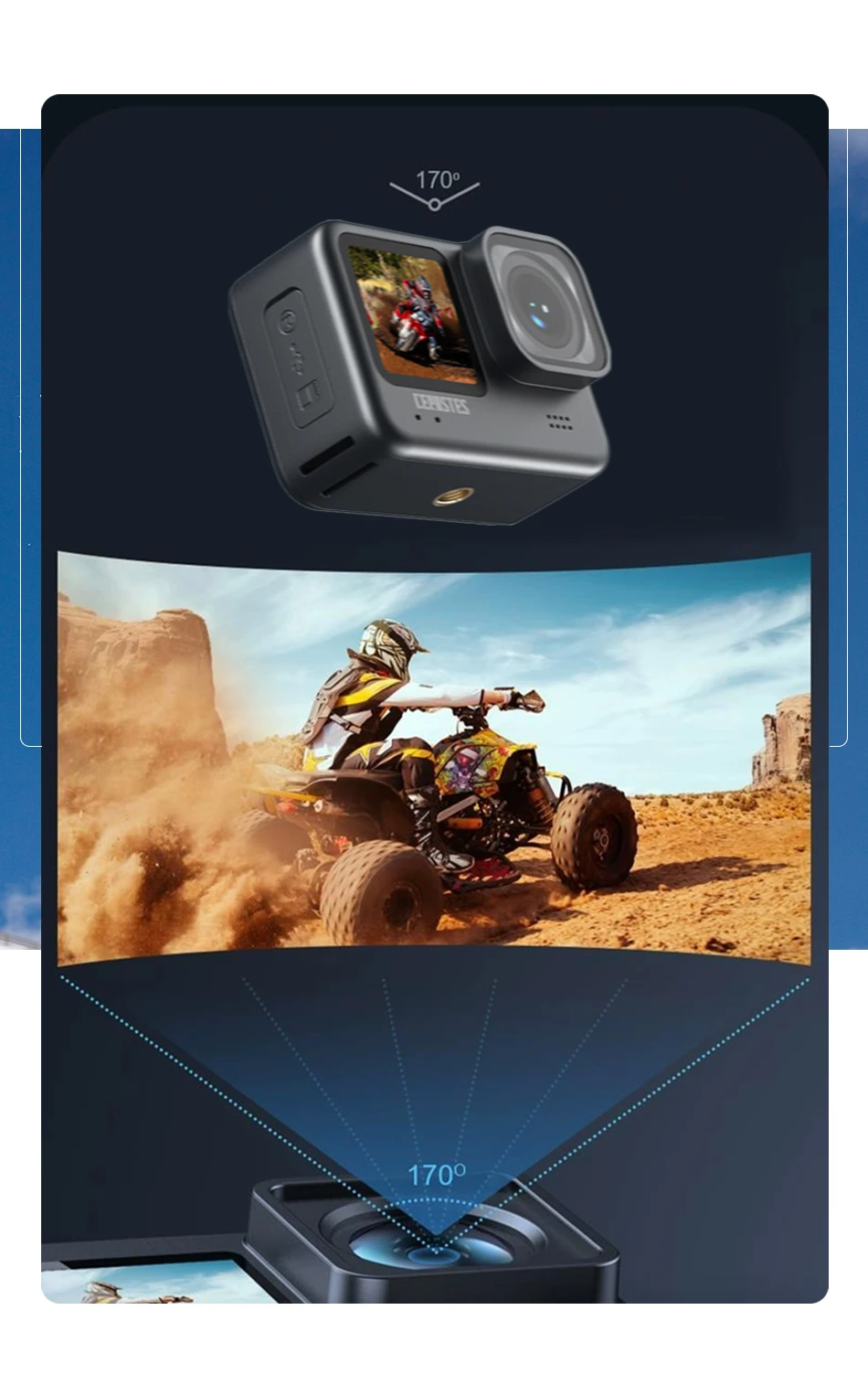
camera lens : 170 Large wide-angle 6-glass lens
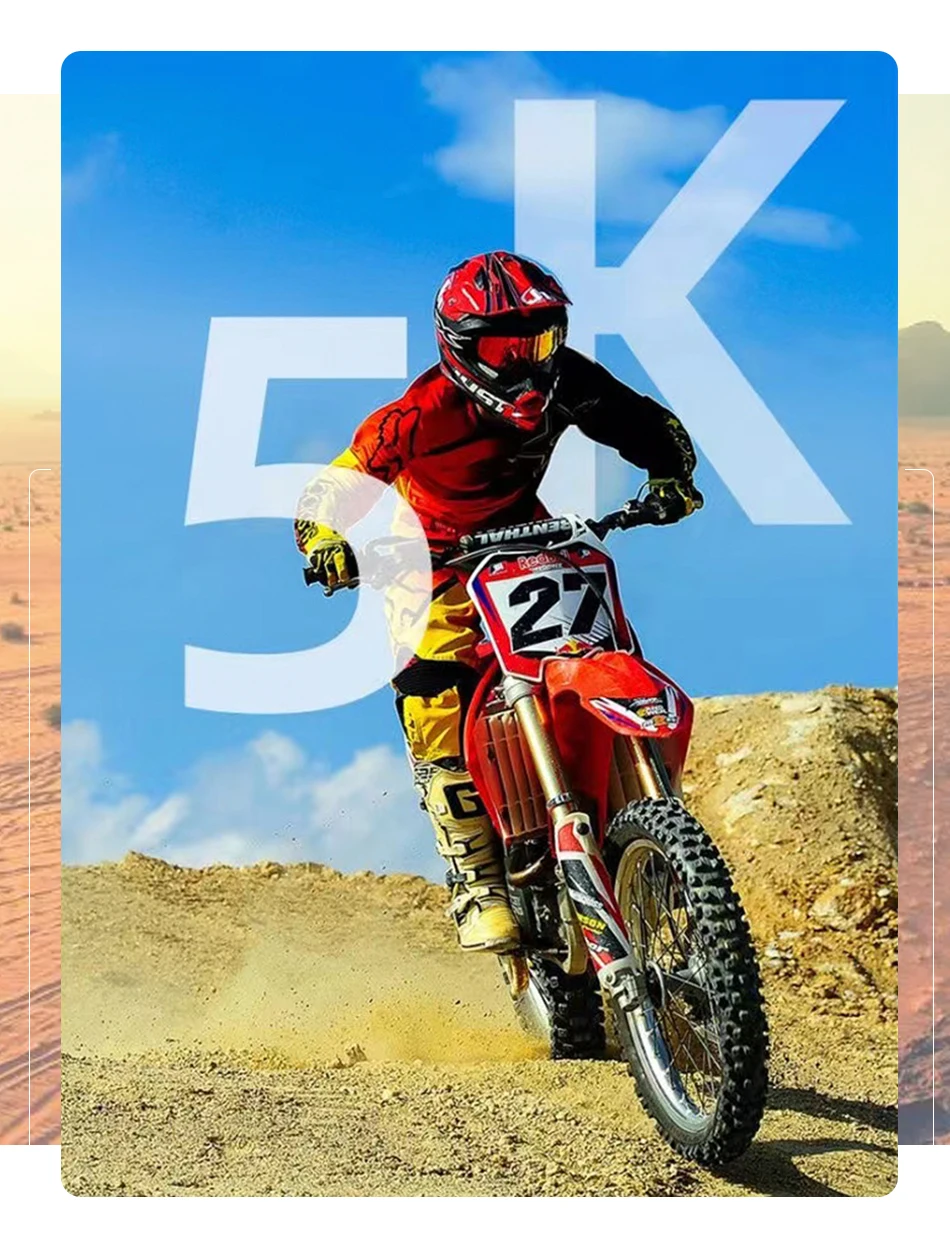
Video resolution : 5K/30fps,4K30/60fps,2.7K30fps,1080P60/30fps,720P120/60fps
Photo resolution : 48M(high end)24M(high end 20MP/16MP/12MP/10MP/8MP/5MP/3MP/2MP
charging interval : About 2.5 hours
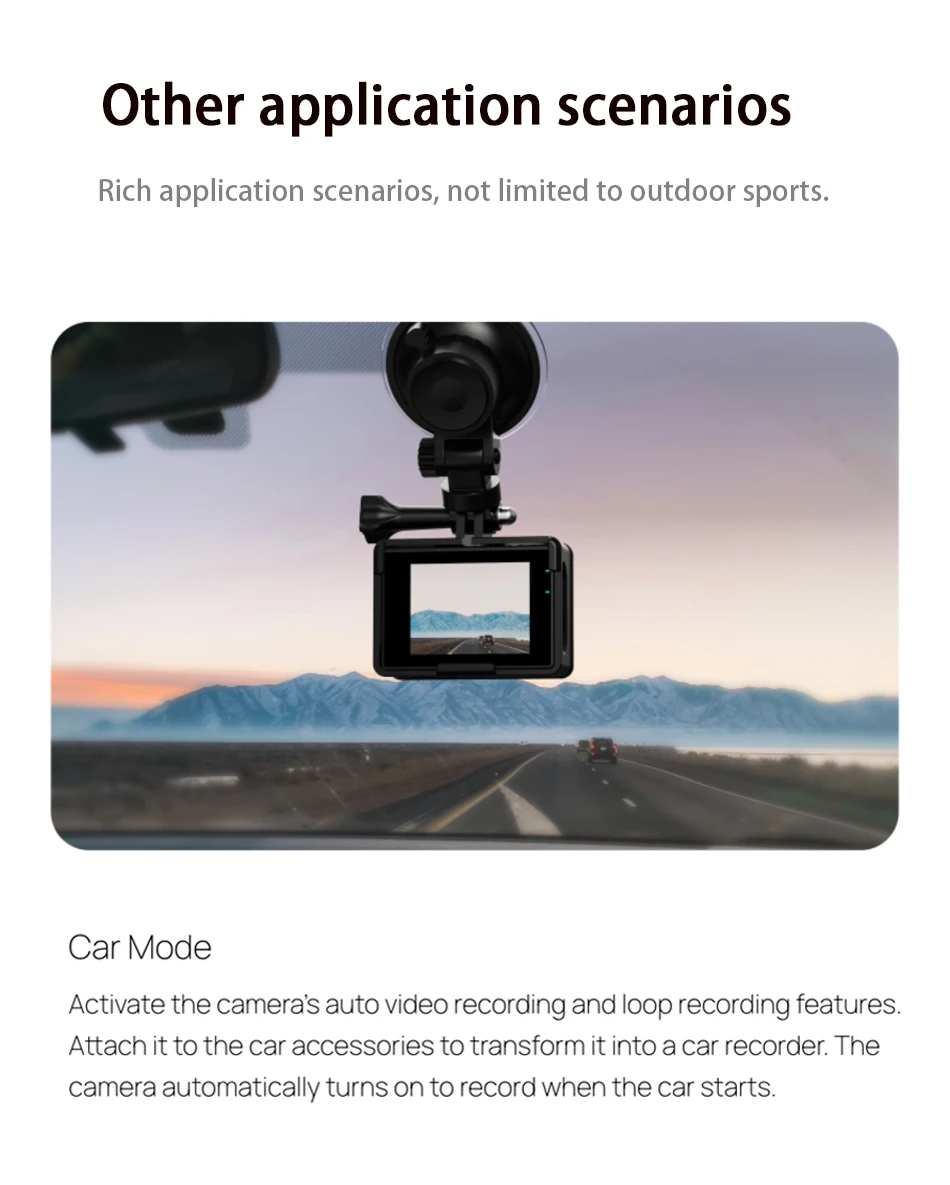
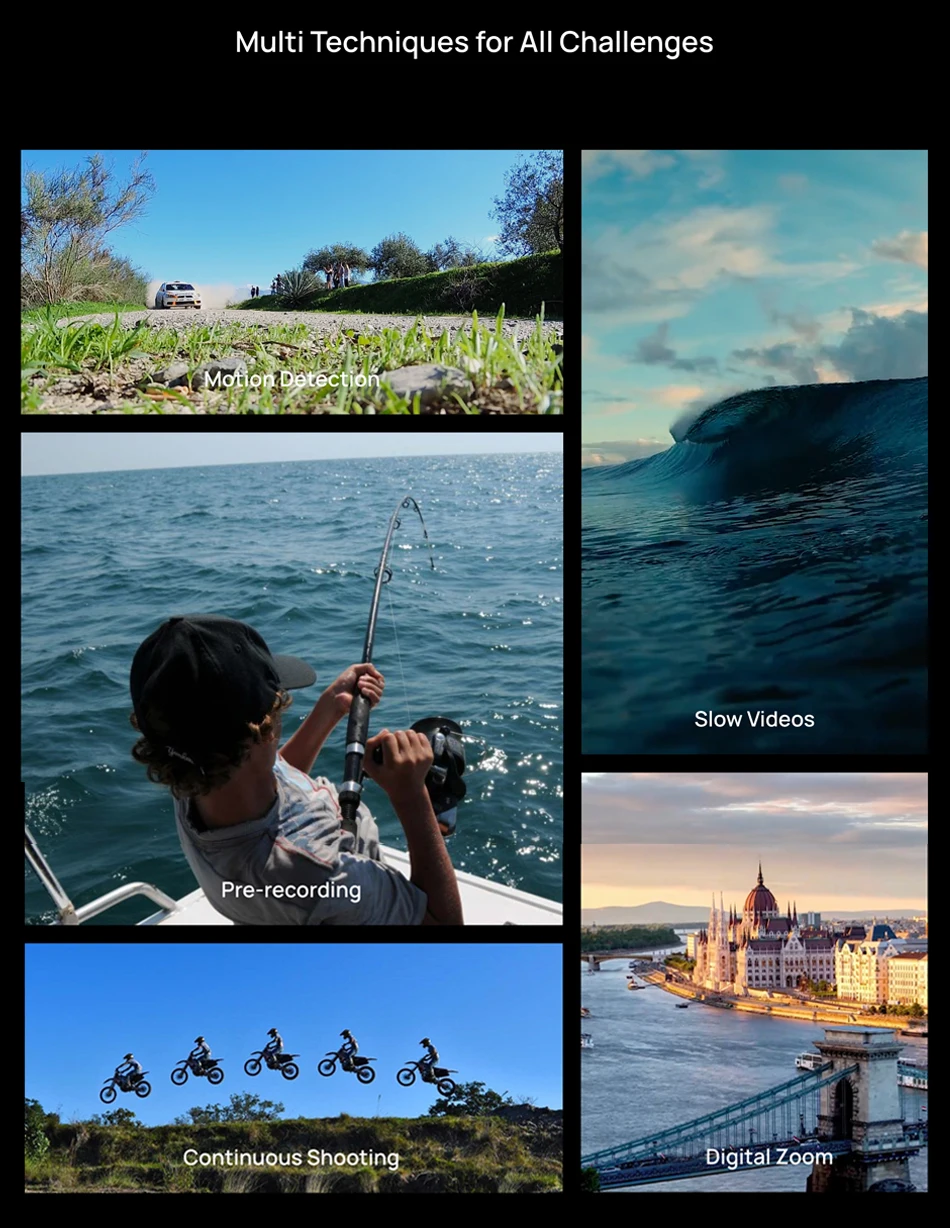
Car mode: support
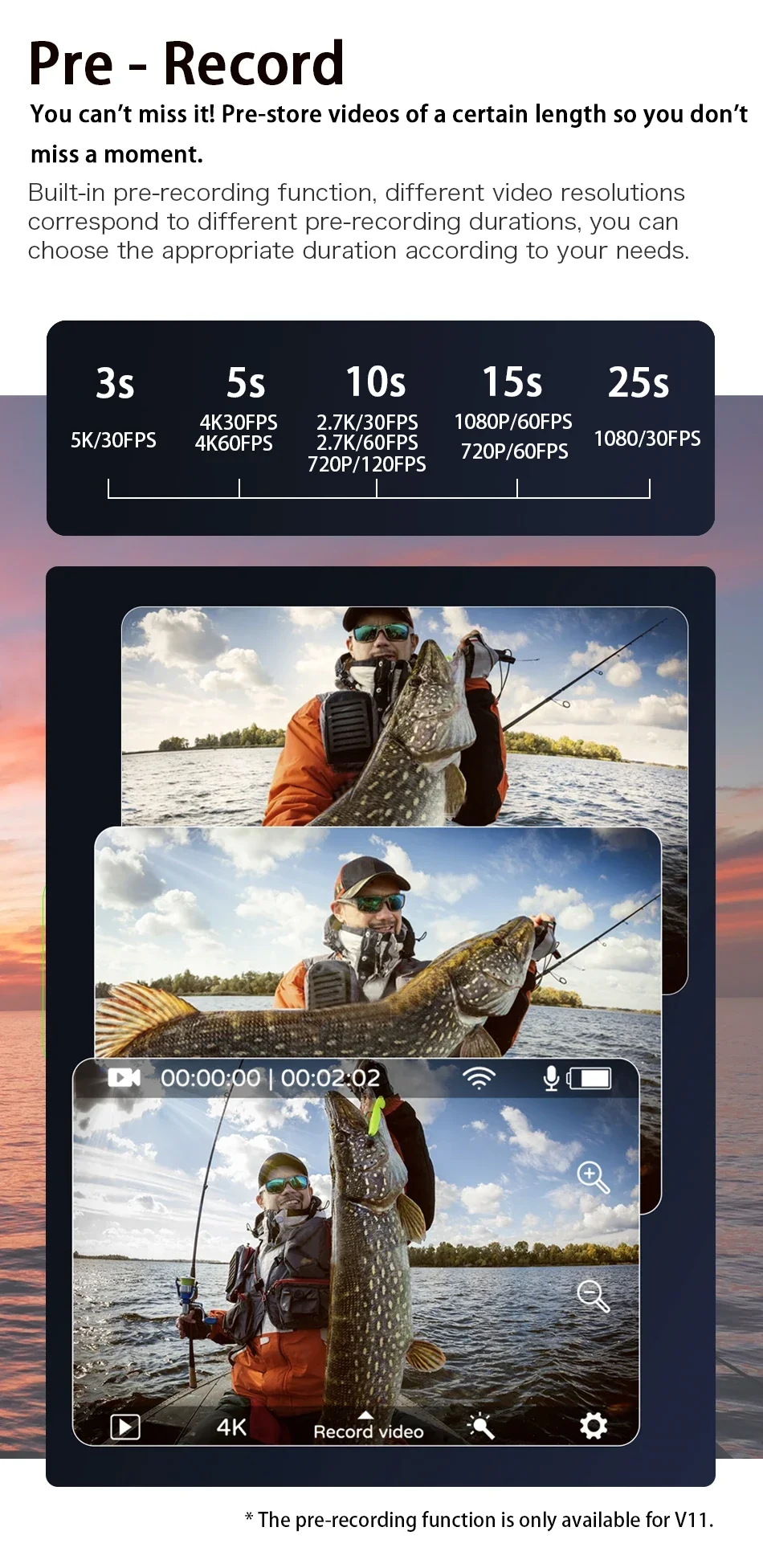
prerecord : support
Mobile detection : support
Photo function : Single shot, regular shot, continuous shot, remote control shooting, etc
Video function : Support ordinary video, loop video, shrink video, slow / fast motion video, etc
adjustable viewing angle :Support is wide. Medium and narrow three perspectives
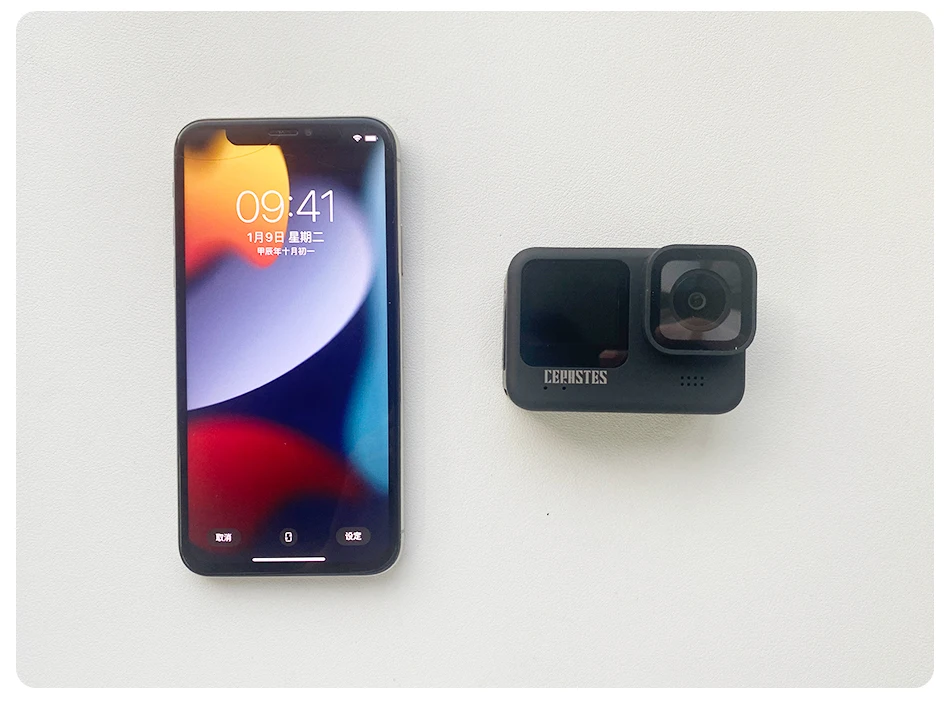
size : Length * width * height: 69*48*27.2mm
language :English, French, German, Italian, Japanese, Spanish, Portuguese, Russian, Simplified Chinese, Traditional Chinese
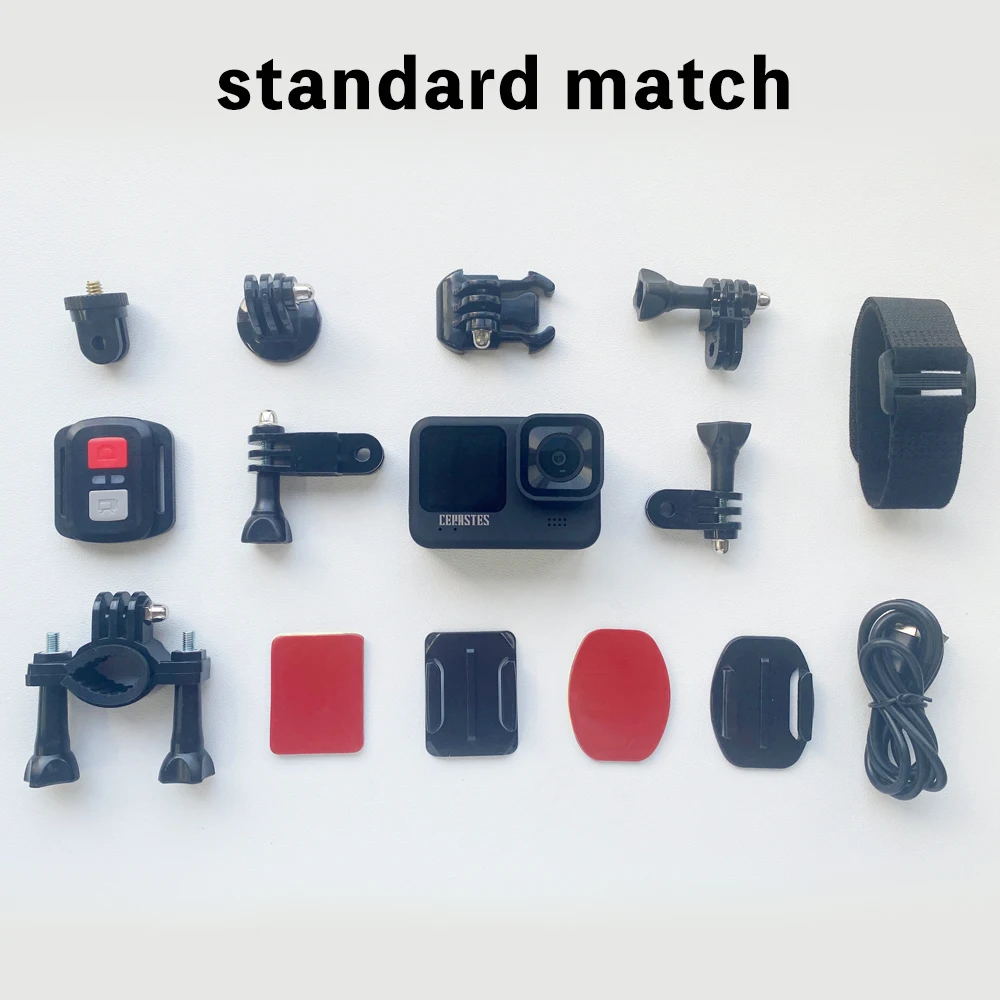
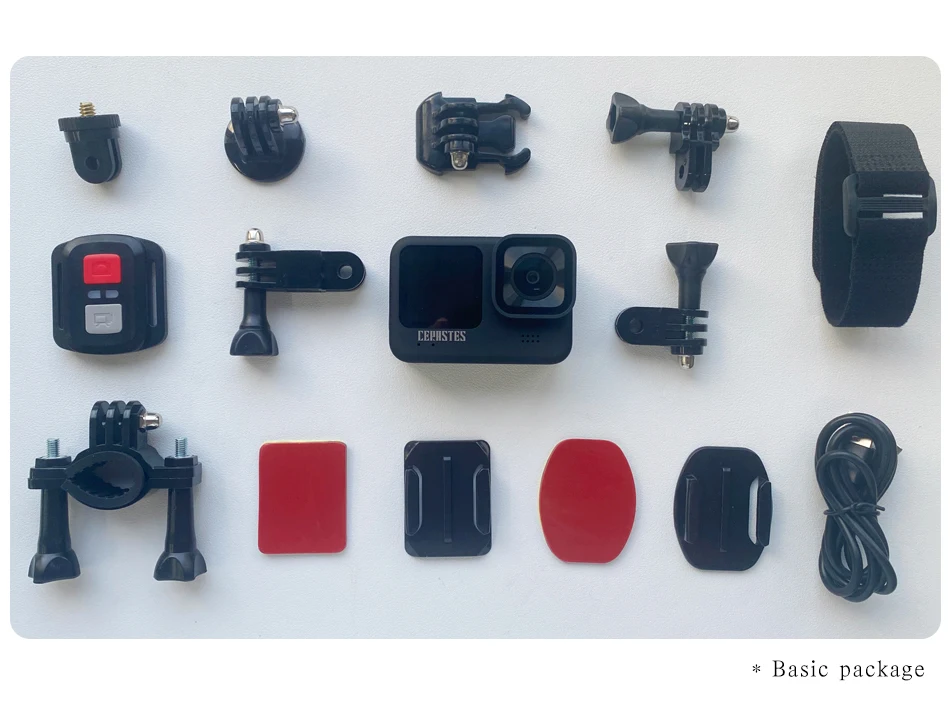
fittings of a machine:Helmet seat, transfer bracket transfer joint, wipe cloth, data cable, instructions, remote control
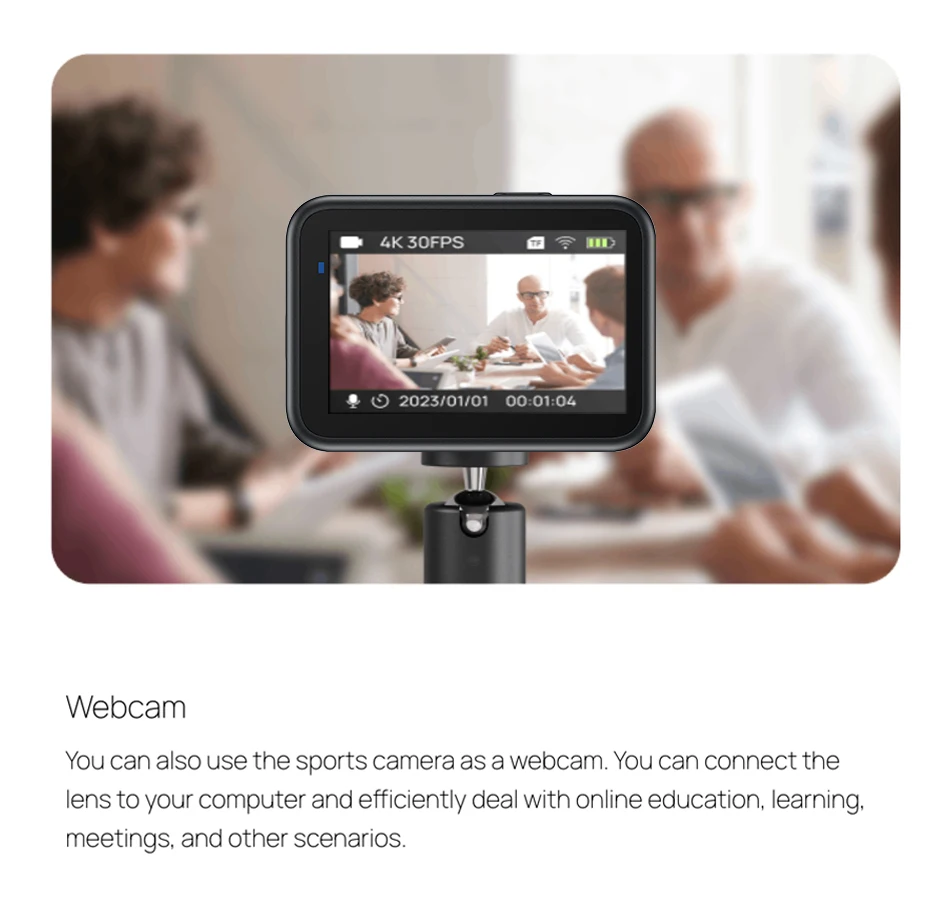
application scenarios:Extreme sports, outdoor sports, cycling, diving, driving records, security, etc
Note: The specifications and parameters may be changed due to upgrades and updates, etc., the actual product shall prevail.
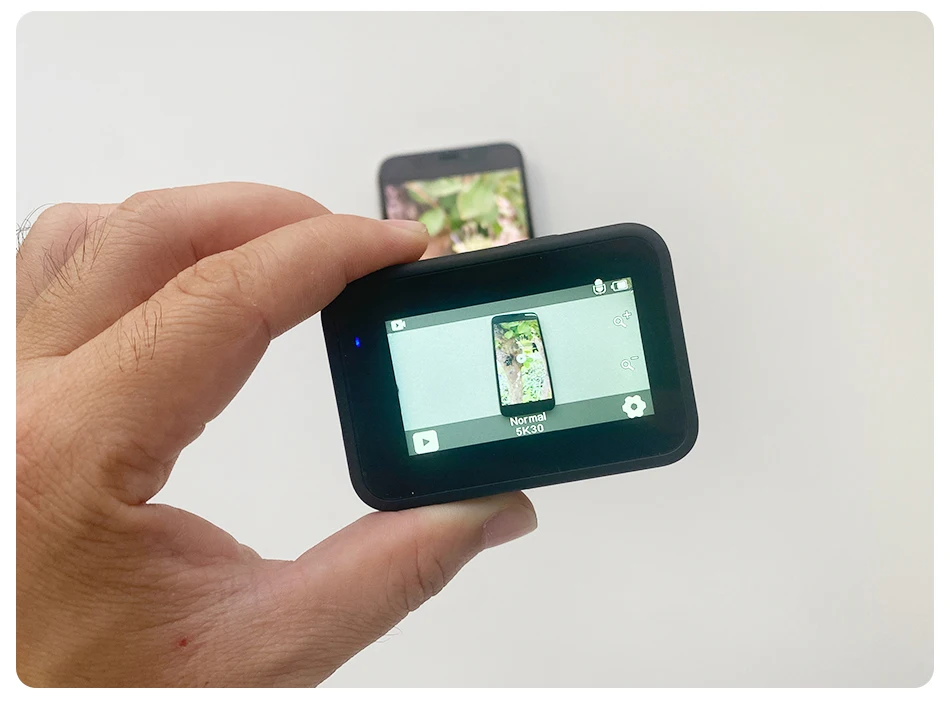
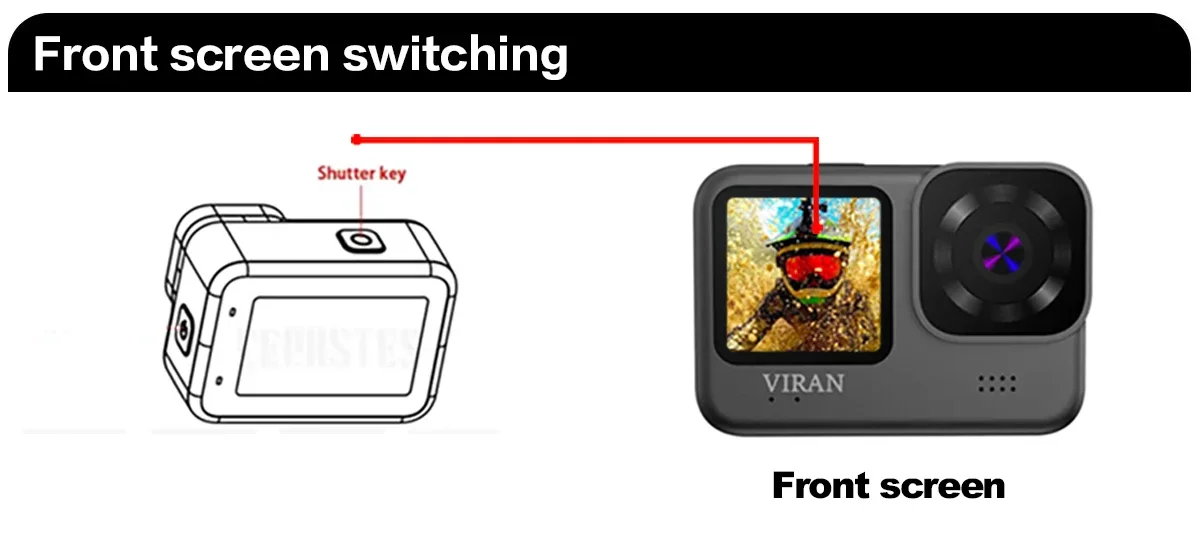 Switch between the large and small screens?
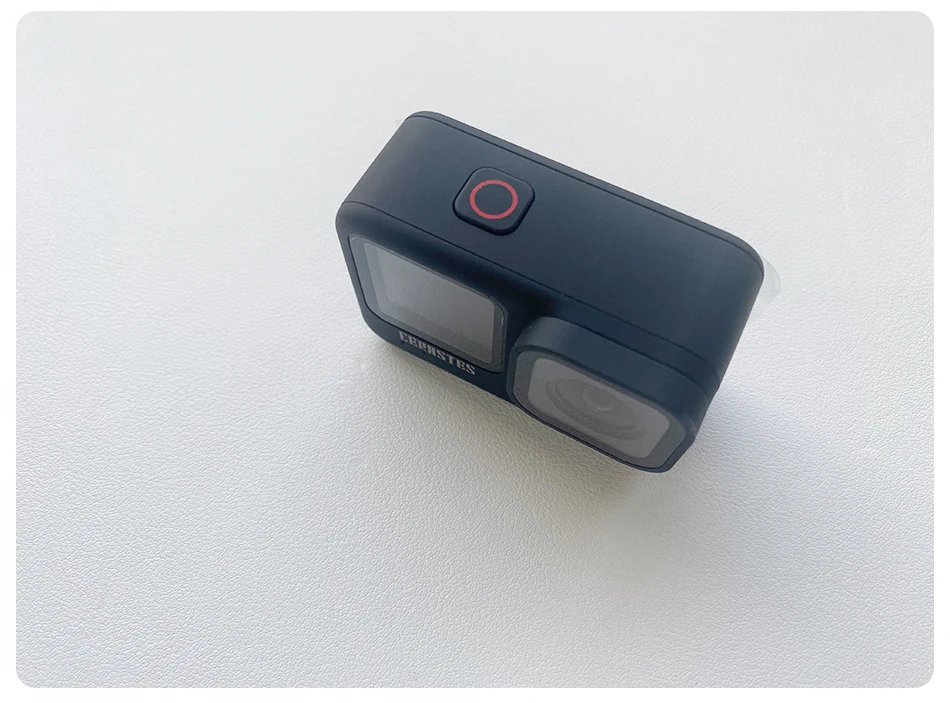
Long press the top button for 3 to 5 seconds.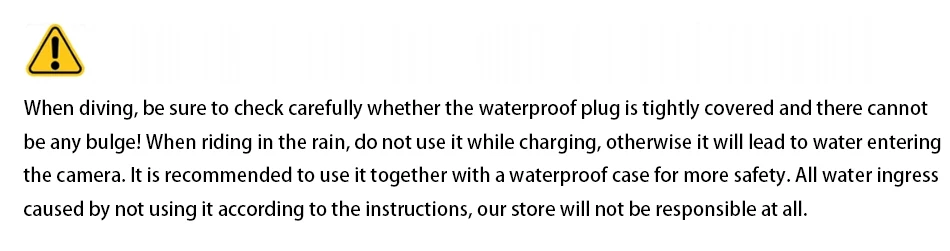


* 1.This product is a high precision product, do not fall or impact.
* 2. Do not bring the camera close to objects with strong magnetism, such as magnets and motors. In addition, avoid bringing the product close to objects that emit strong radio waves. A strong magnetic field may cause product failure or damage images and sound.
* 3. Do not place the camera in a high temperature or direct sunlight.
* 4.Do not store this machine in or near the strong magnetic place to avoid losing the stored data in the camera.
*5.During the process of charging, if there is overheating, smoke, or odor, please immediately pull out the power supply and stop charging to avoid fire.
*6.When charging, please place the product in a place out of reach of children. The power cord may cause accidental suffocation or electric shock.
*7.Please place the product in a cool, dry and dusty place.
*8.This product contains a battery, do not discard the product in the trash bin. Please select the appropriate processing procedure.
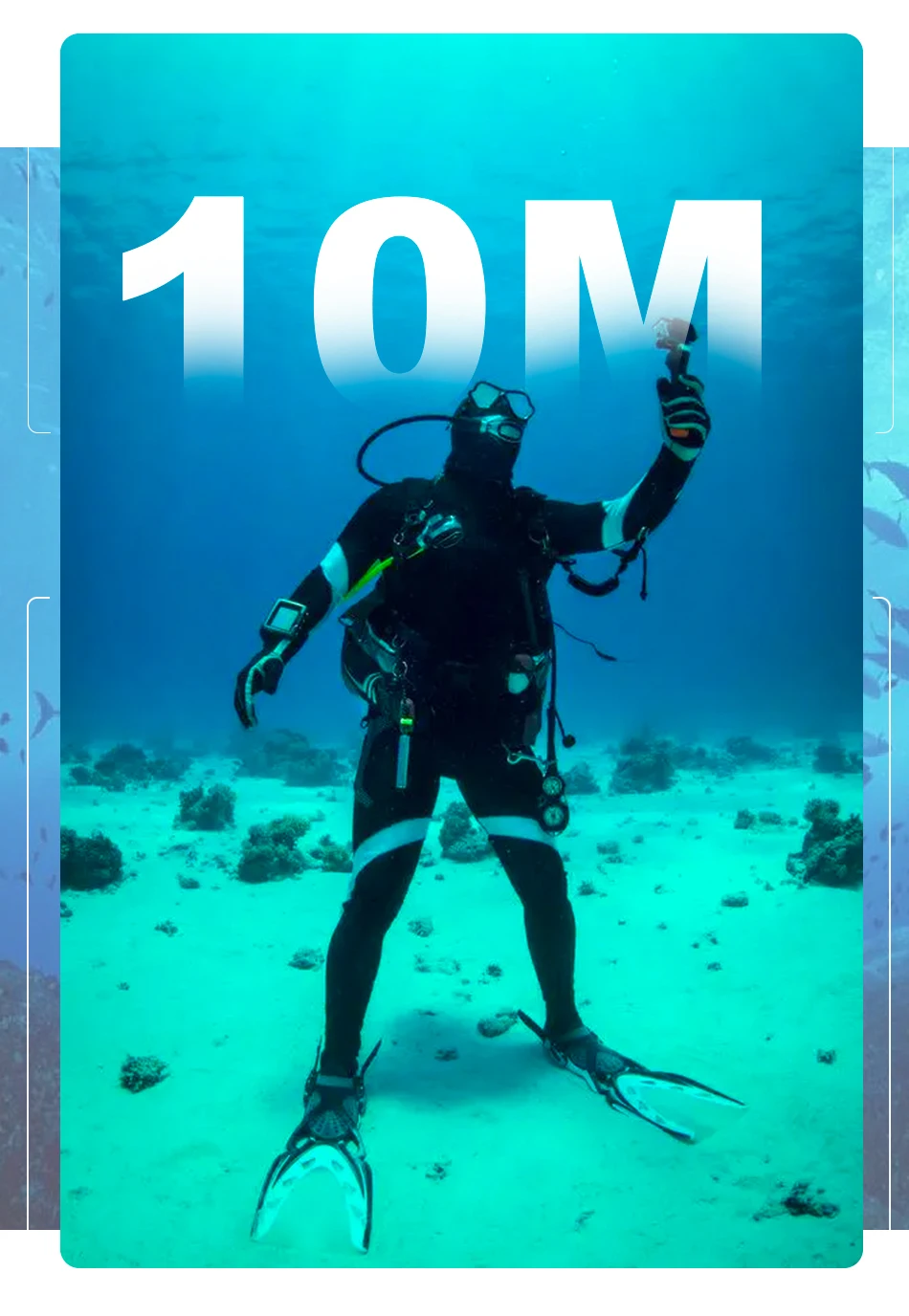
* 9. Special precautions: Please make sure the waterproof rubber plug is 100% tightly covered and there cannot be any bulge before using underwater. If used for diving, it is recommended to match with a special waterproof case.
Please select the official recycling point to recycle the product or its batteries, and do not abandon it in the garbage.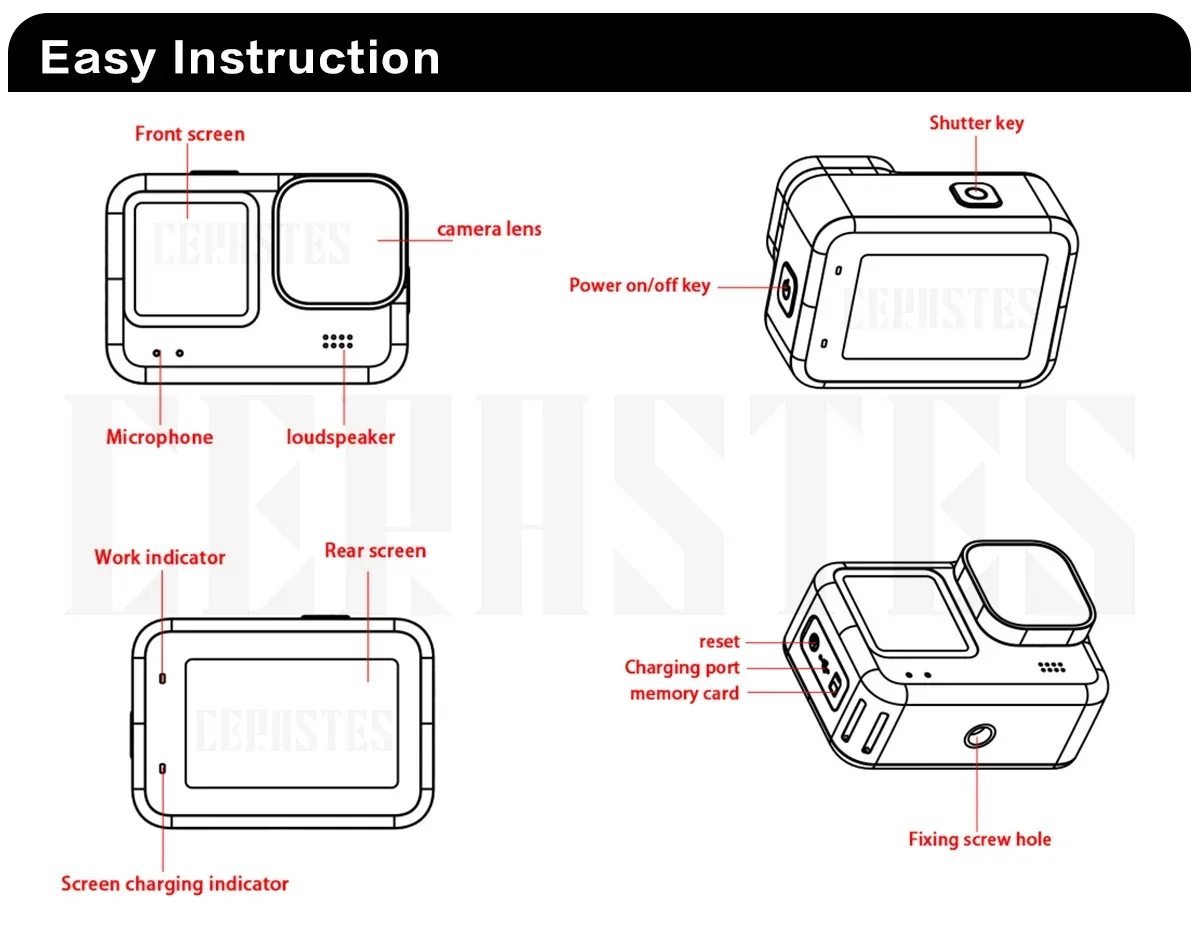 Use the operation
1.Turn on and off the camera
A: Long press and hold the power switch for about 3 seconds to turn on / off.
B :Long press and hold the ‘shutter key' button for 3 seconds to switch to the front screen!
2.Battery charging
A. The local charging cable must use the original data cable.
B. Connect the computer and the power adapter to charge.
C. Charging the car directly can also charge it on the car.
D. Video recording function while charging. E. Shutdown state can also be charged.
3.Photography mode
After opening the camera, press the "boot" key, which will appear in the upper left corner of the screen Icon, indicating that the camera has been set in photography mode. After pressing the "OK" key, the yellow dot in the upper left corner will start to flash as 00:00:00 to start recording. Press OK again during recording to stop recording.
4.Photo mode
After opening the camera, press the "boot" button and select the "photo mode", which will appear in the upper left corner of the screen Icon, indicating that the camera has been set to the photo mode. Press the OK "to take a picture.
5.Set
A. The camera enters the camera mode, click the screen "set icon", can choose to open the anti-shake function, video resolution, cycle video, vehicle mode and WIFI, etc.
B. When the camera enters the camera mode, click on the screen to "set the icon", and you can choose the photo size, continuous shooting, shooting method, image quality, exposure compensation and color, etc
6.Image storage and playback
A. Use the data cable to connect the computer, notebook, pull out the image file in the camera / pull out the T card and copy it with the U disk to the computer.
B. After opening the camera, press the "file icon" on the screen, and select the image replay mode to browse the stored image files.
7.For WIFI connection, follow these steps:
A. Install the mobile phone software "iSmart DV" to a smartphone or tablet computer. Android devices can be downloaded at Smart DV (China), and Apple devices are available at ios. Foreign system equipment can be downloaded at google.
B. After the camera is opened, open the wireless network hotspot in the Settings, and the WIFI interface will appear on the screen (exit the WIFI interface, click on the lower right corner)
C. Turn on WIFI on the mobile device, search for and connect "Action Cam" with an initial password of 1234567890.
D. After WIFI is successfully connected, the screen will show that WIFI has been connected. After entering the Smart DV, you can take photos and videos, and the photos and videos can be downloaded to the mobile phone.
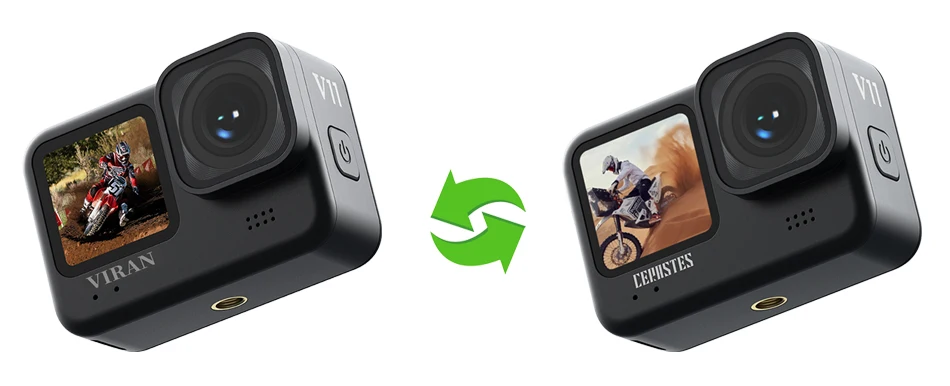
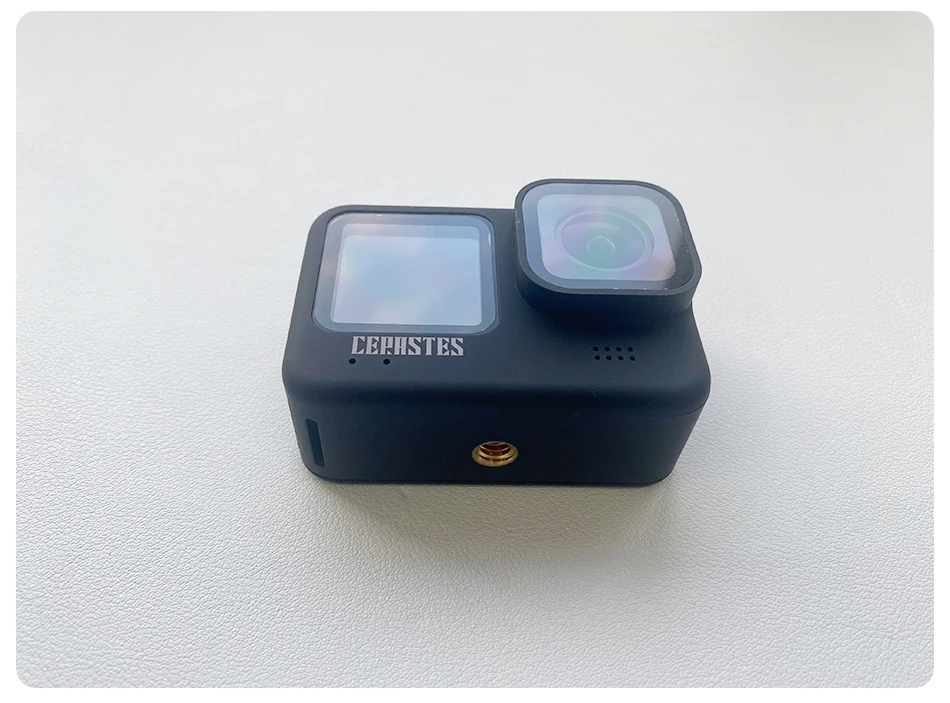
“VIRAN” or “CERASTES” Both are brands under our company. The functional parameters of their products are identical. Shipments will be made randomly between the two. This is to notify you accordingly.